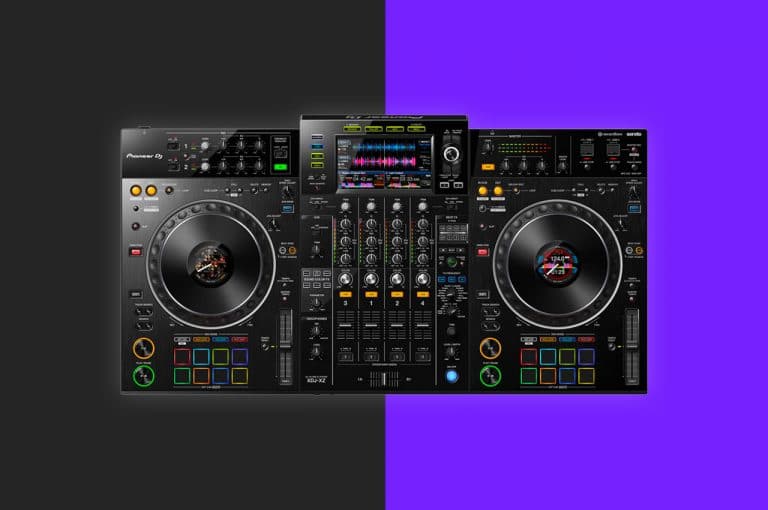
Getting Started With The Pioneer DJ XDJ-XZ
In this beginners guide, we help you set up the Pioneer DJ XDJ-XZ, prepare USB’s for mixing and set up with Rekordbox and Serato!

In this beginners guide, we help you set up the Pioneer DJ XDJ-XZ, prepare USB’s for mixing and set up with Rekordbox and Serato!
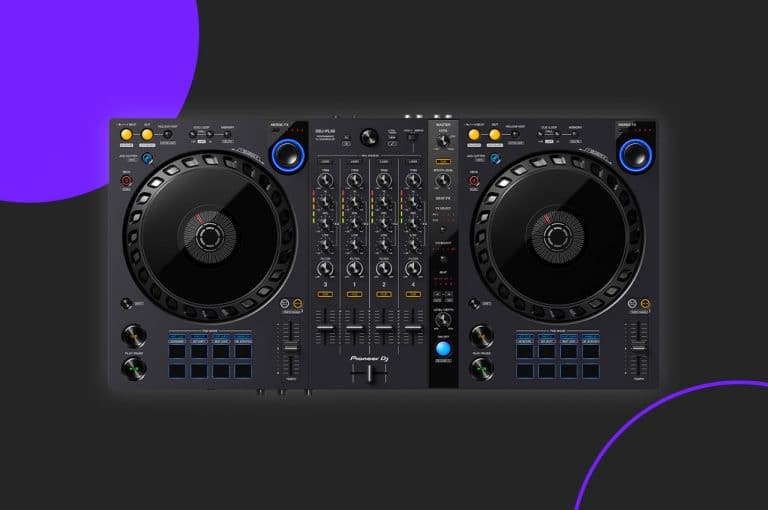
Get started with your Pioneer DDJ-FLX6 in this complete setup guide and tutorial!
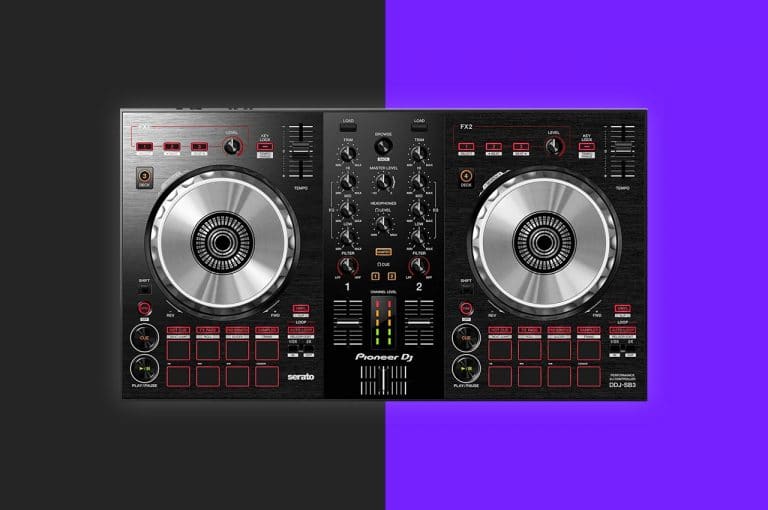
Get started with your Pioneer DDJ-SB3 in this complete setup guide and tutorial!
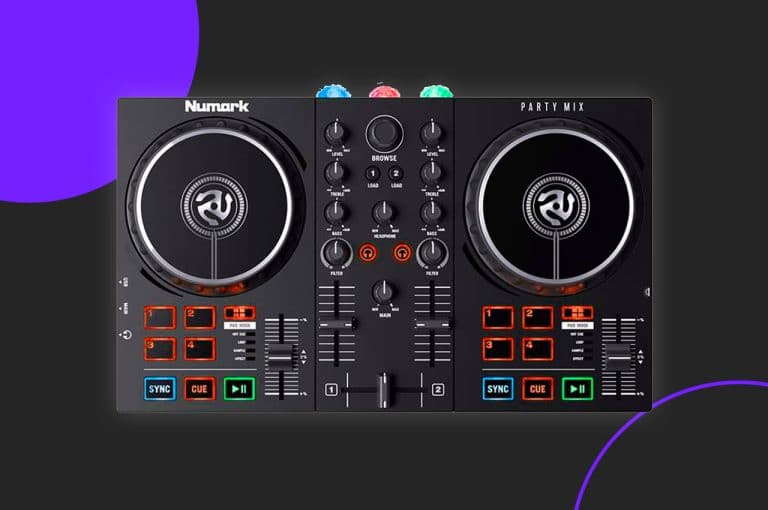
Get started with your Numark Party Mix controller to a iPhone, iPad or computer with this guide, complete with our free DJ music pack!
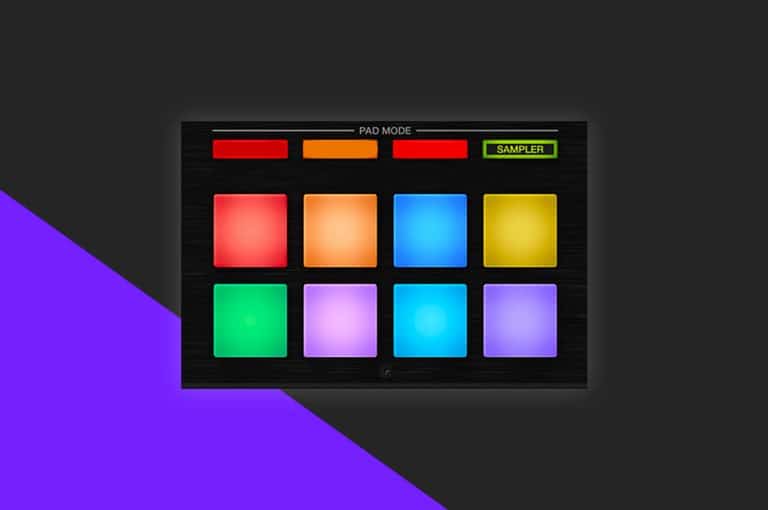
If you’ve ever wanted to get more creative with your decks but feel constrained by the two channels, we’re going to show you how you can still mix three decks by using the sampler. The sampler feature is found in most DJ softwares and usually is only used for triggering sound effects, however in this example, we showcase just how powerful the feature can be!
The trancifier is a hidden feature baked into the code of Serato DJ that has existed since Serato Scratch Live! The trancifier once applied loops a track, halving the loop automatically until only a fine note sound is created. This trick creates incredible build ups and can be combined with other effects for amazing transitions!
In this tutorial, Holland breaks down Serato DJs auto-import feature helping you speed up your entire workflow for downloading and importing music.

When you’re just starting out on your journey into music production, it can feel overwhelming and complicated. One of the first hurdles is ‘what music production software should I use?’ There isn’t just one answer to this question; however, some production software is much easier to get started with than others. In this article, we have decided to help you get started producing music with Serato Studio.
Modern day DJ softwares offer us methods to customise our libraries to suit our individual needs. Today we take a look at Serato DJ and five top tips to help you organise your digital record collection.
One of the oldest performance features within Serato, the sampler is capable of much more than just playing a airhorn for urban sets! In this tips and tricks, we break down the Sampler to show you how to maximise it’s use in your sets!
Serato users are forced to use external speakers when a controller is plugged in, meaning practicing just with the laptops speakers is impossible. However, DJ Holland has a quick and easy “hack” to re route the audio back to the laptop speakers!
HID brings the best of club standard hardware to laptop DJ’s with little compromise. In this article we show you how to set up HID mode in on Rekordbox and Serato.
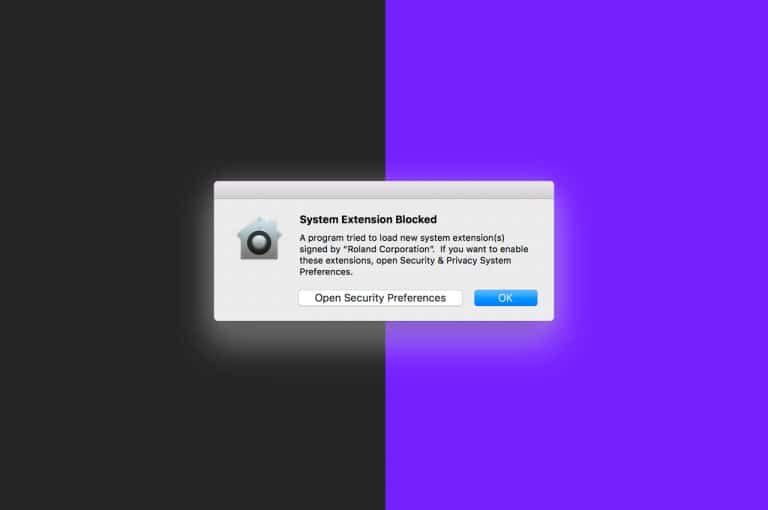
A recent update to Mac OS X included improved security surrounding driver installation. If rushed, you may miss this crucial step when installing your DJ hardware, meaning loss of audio and sometimes no connection at all. Crossfader’s resident geek DJ Holland breaks down the steps you need to look out for when installing your hardware to ensure a perfect connection every time!
Wanting to set up your laptop in a nightclub and take over a DJ who’s already playing? We show you how with using external sound cards and usb mixers.
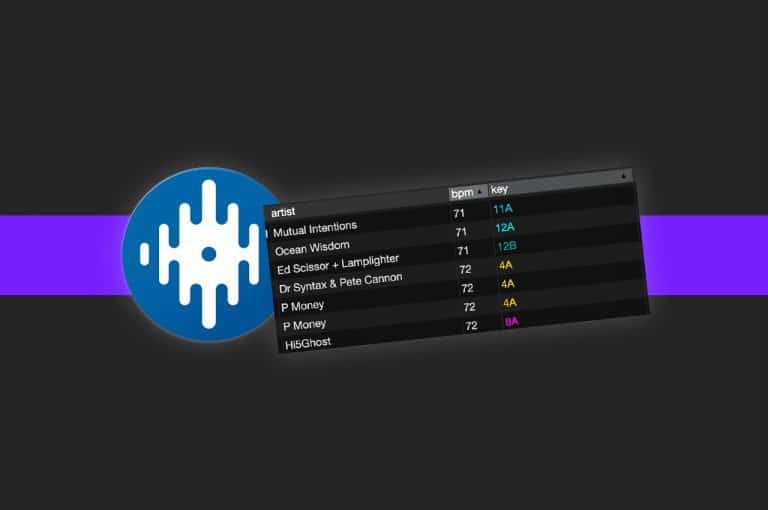
Custom crate columns allows you to set an organisation rule for each of your individual crates. Today we show you how to enable and best use the feature.
Managing your music is a personal and unique thing to do, every DJ has their own way of doing it and no two libraries are the same. However […]
Did you know you can prep tracks whilst DJing in Serato? Today we show you how to use the prepare crate to save you time in your sets!
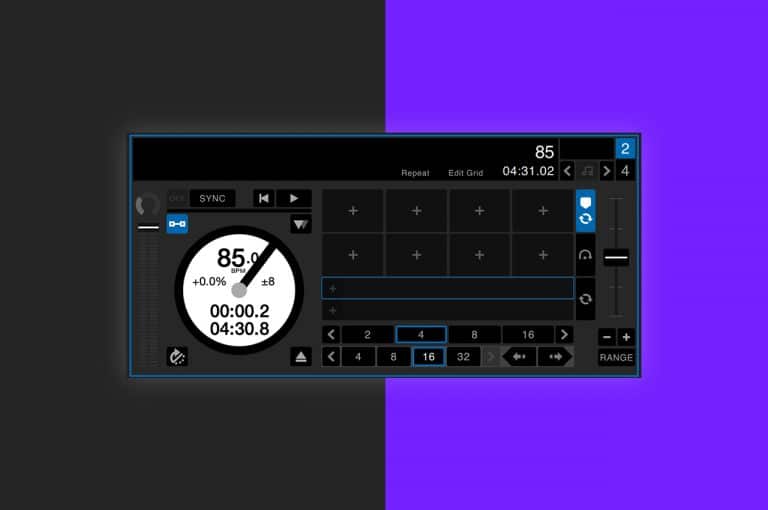
Do you know what AM mode is in Serato and how to use it? In todays episode of did you know, we take a look at this handy feature and how to enable it!
The most recent expansion pack for Serato, Serato Play allows DJs to access the softwares full potential without the need to plug in external hardware! Today we look at how to set Serato Play up and how to maximise it’s performance features!
In this guide we cover the absolute essentials to get you started with Serato DJ Lite and Serato DJ Pro.
Once you know how to baby scratch It’s essential to learn this before moving onto more advanced scratching, combo’s, flares and patterns. This trick will improve your baby scratch instantly!