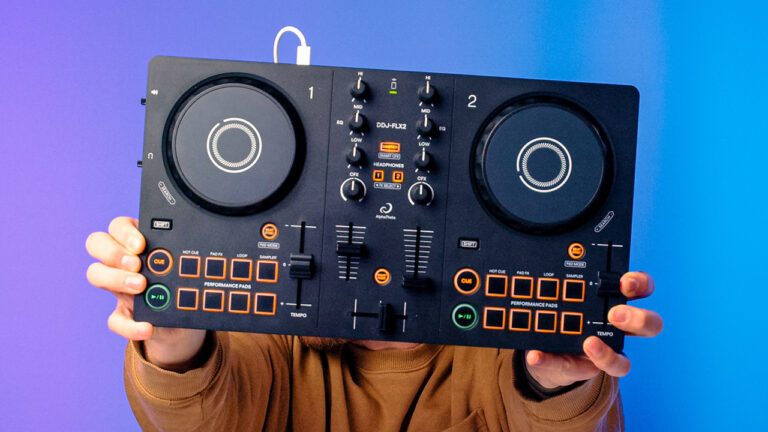
DDJ-FLX2 Beginner Course – Sneak Peek
Learn to DJ with the AlphaTheta DDJ-FLX2 So you’ve just got your hands on a shiny new DDJ-FLX2, and you’re wondering how to use it? Even if you’re […]

Learn to DJ with the AlphaTheta DDJ-FLX2 So you’ve just got your hands on a shiny new DDJ-FLX2, and you’re wondering how to use it? Even if you’re […]
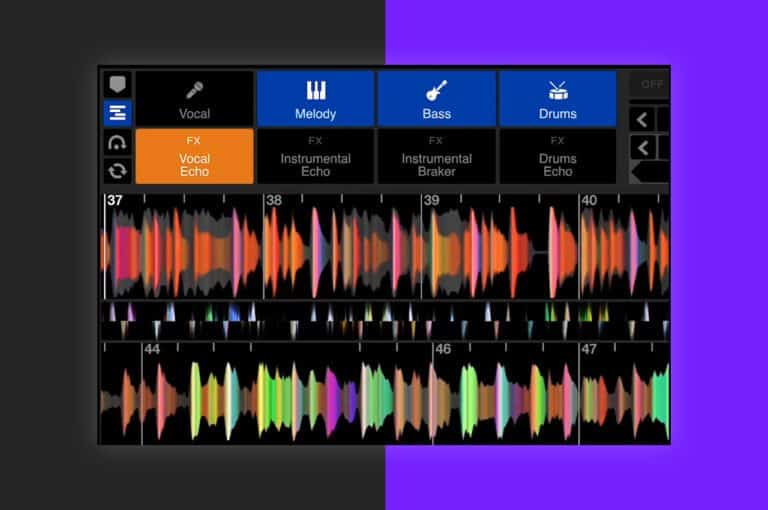
Uncover the power of precise control over drums, vocals, and instruments. Explore our Serato Stems Mix Breakdown video for an in-depth guide!
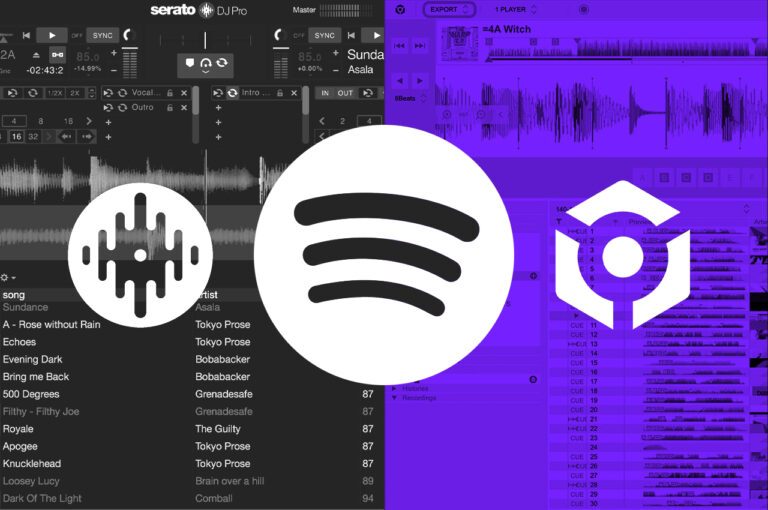
As the most popular music streaming platform in the world, we often get asked if you can use Spotify to DJ. For a very long time the answer […]
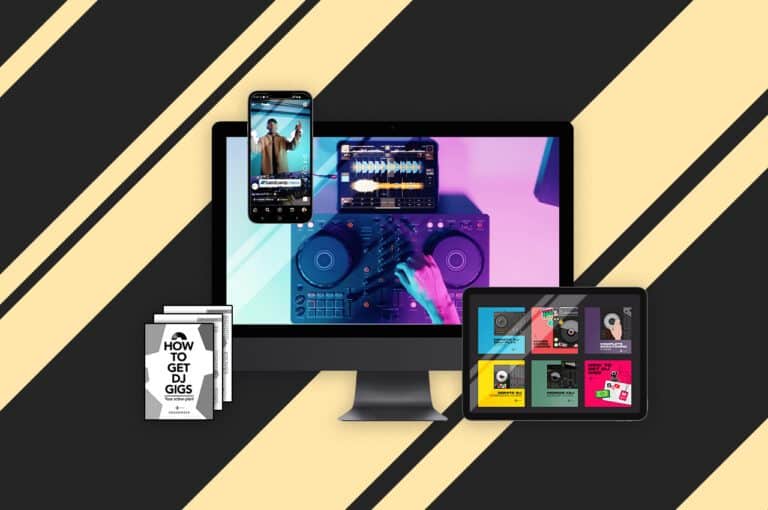
This is a completely 𝗳𝗿𝗲𝗲 𝗼𝗻𝗹𝗶𝗻𝗲 𝗱𝗷 𝗰𝗼𝘂𝗿𝘀𝗲 features 9 lessons, to take you from the basics of mixing to understanding PRO level equipment
The trancifier is a hidden feature baked into the code of Serato DJ that has existed since Serato Scratch Live! The trancifier once applied loops a track, halving the loop automatically until only a fine note sound is created. This trick creates incredible build ups and can be combined with other effects for amazing transitions!
In this tutorial, Holland breaks down Serato DJs auto-import feature helping you speed up your entire workflow for downloading and importing music.
When you’re just starting out on your journey into music production, it can feel overwhelming and complicated. One of the first hurdles is ‘what music production software should I use?’ There isn’t just one answer to this question; however, some production software is much easier to get started with than others. In this article, we have decided to help you get started producing music with Serato Studio.
In this free DJ tutorial, you will learn how to set up hot cues, use Serato DJ FX and essential timing in music to create a huge drop to impress any crowd!
Modern day DJ softwares offer us methods to customise our libraries to suit our individual needs. Today we take a look at Serato DJ and five top tips to help you organise your digital record collection.
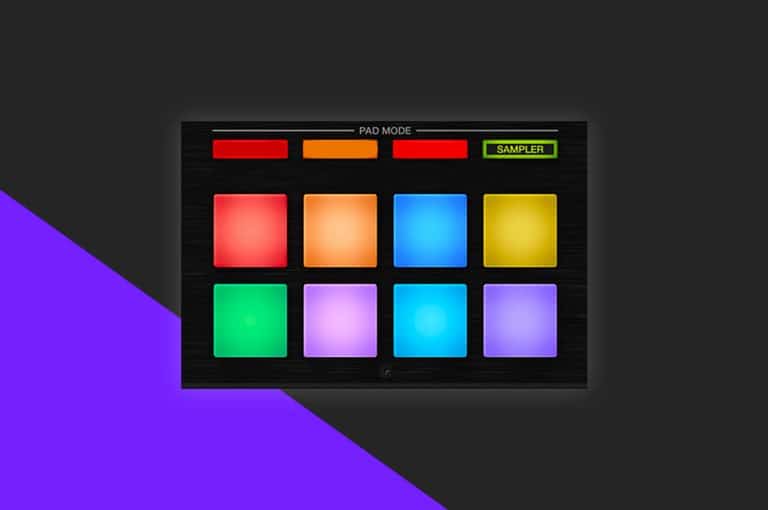
One of the oldest performance features within Serato, the sampler is capable of much more than just playing a airhorn for urban sets! In this tips and tricks, we break down the Sampler to show you how to maximise it’s use in your sets!
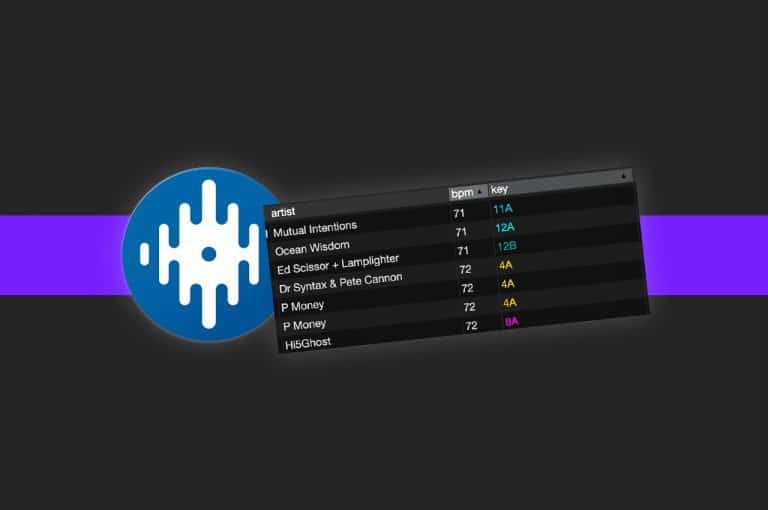
Custom crate columns allows you to set an organisation rule for each of your individual crates. Today we show you how to enable and best use the feature.
Managing your music is a personal and unique thing to do, every DJ has their own way of doing it and no two libraries are the same. However […]
Did you know you can prep tracks whilst DJing in Serato? Today we show you how to use the prepare crate to save you time in your sets!
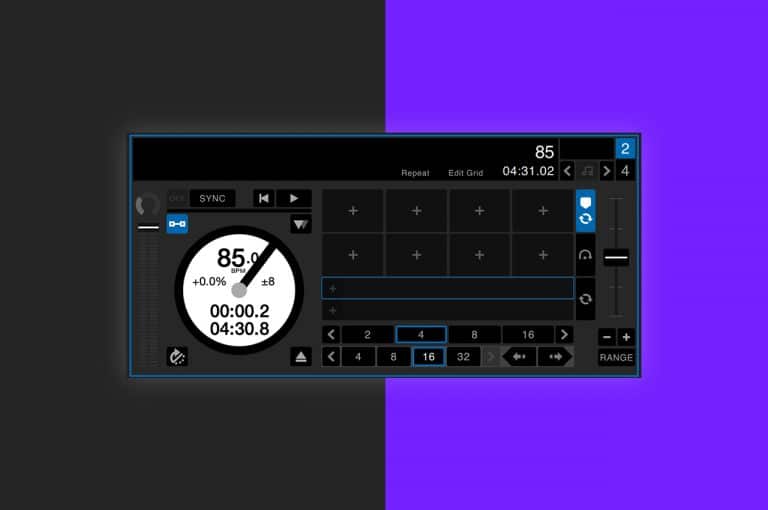
Do you know what AM mode is in Serato and how to use it? In todays episode of did you know, we take a look at this handy feature and how to enable it!
The most recent expansion pack for Serato, Serato Play allows DJs to access the softwares full potential without the need to plug in external hardware! Today we look at how to set Serato Play up and how to maximise it’s performance features!
In this guide we cover the absolute essentials to get you started with Serato DJ Lite and Serato DJ Pro.

In this tutorial you will learn 5 ways to make use of Serato Flip. This is an expansion for the Serato DJ Pro software. Learn to DJ with Crossfader.

Follow this DDJ SB3 tutorial on how to use the FX Fade pad mode. This mode is really useful for beginner DJs. Watch and learn how to DJ with Crossfader!
Learn how to DJ with your laptop for free. Master the basics with our 5 part video tutorial series and learn to DJ. All the DJing basics are covered in this extensive free course. Plus, we have a free music download pack for you to follow along step-by-step!
Have you ever come across two of the same song in your Serato DJ music library? Or maybe some of your tracks are showing up in orange as a missing file? Learn how to conveniently delete duplicate or missing files with this step by step guide.
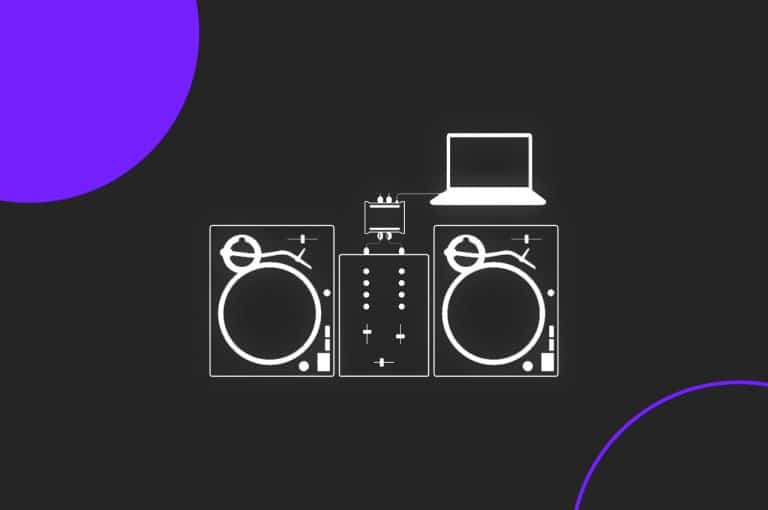
Setting up Serato DJ with CDJs or Turntables using DVS can be a bit of a headache. Hopefully we can help you get started with this video or even troubleshoot some problems you may have already encountered.