
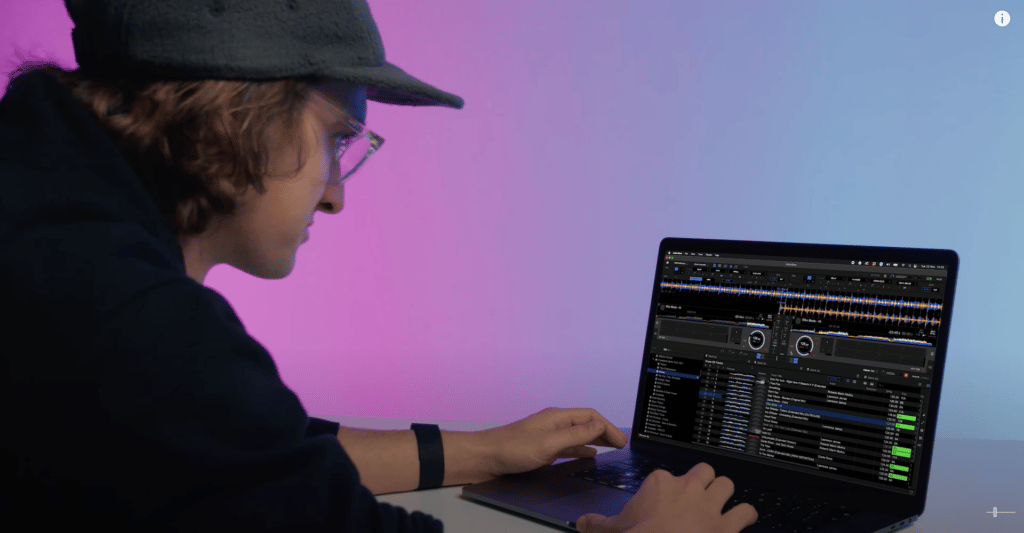
Learn to DJ with Serato DJ Lite
Today I’m going to help you learn how to DJ without a controller or any other DJ equipment but a laptop. For free. Just using DJ software. You won’t even need any music yet. Why? We have a free music pack for you to download later in the post (if you have already signed up, check your emails). There are also videos explaining techniques that took me years of trial and error to understand. You’re going to get all this for free, and efficiently!
Before we get started, let me tell you a quick story.
My name is Jamie Hartley; you can see me playing one of my favourite DJ residencies below! I started my journey as a DJ back when I was 14 years old, with no access to digital DJ technology. It was hard, it took me years of trial and error to learn the basics of DJing, and it cost a lot of money to buy equipment. There were no DJ schools that I was aware of or online tutorials at that time. But hey, that’s a good thing, because I made all the mistakes, so you don’t have to!
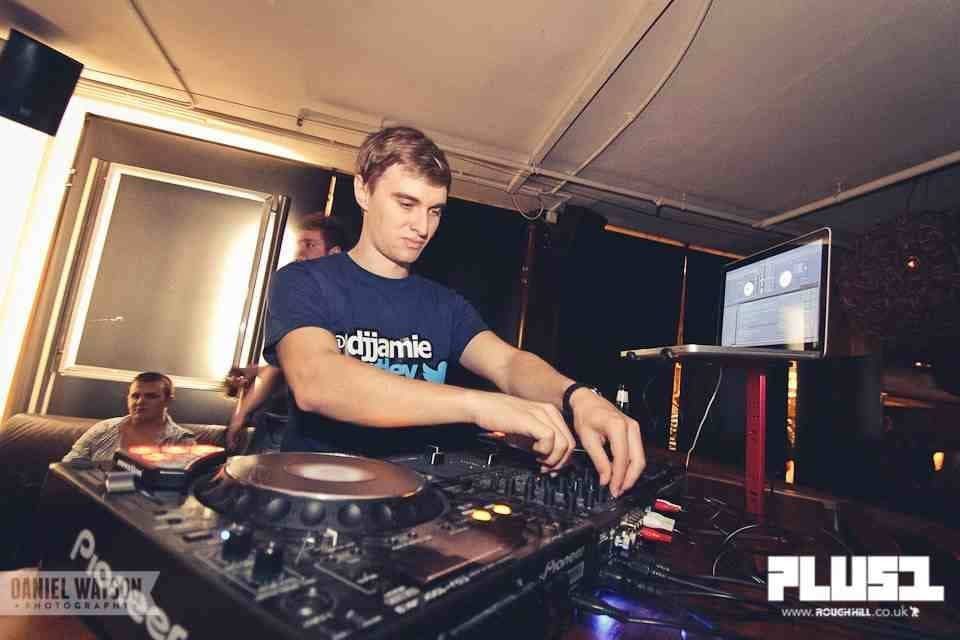
Fast forward 13 years, and I’m lucky enough to be helping thousands of people learn to DJ. I aim to share my knowledge and experiences to help and inspire others to be the best DJ they can be!
It took me a few years after beginning to get my first residency. But a few more years and lots of hard work turned my hobby into a full-time career. I made a decent living as a DJ playing in some of the UK’s biggest clubs and festivals. I’ve also been fortunate enough to play alongside some huge names from a wide range of genres including Fatboy Slim, Hardwell, Martin Garrix, Oliver Heldens, Jazzy Jeff, Ms Dynamite, Craig Charles and plenty more.
But now I’m here to help you! I want to help you experience a similar career to mine or be able to have fun playing and mixing music for free at home.
DJ Software
Thanks to technology, it’s never been easier to learn how to DJ. You can now learn just using your laptop, for FREE! There are plenty of DJ applications on the market to choose from, such as Rekordbox, Virtual DJ, Algoriddim’s Djay, but I’ve chosen one of my favourites to get you started.
It’s time to download the Serato DJ Lite software.
Why have I chosen this software over the others?
Well, it’s a straightforward and clean looking software for beginners. Serato DJ Lite is clear of features you don’t need, to learn basic DJ mixing skills. It’s easy to upgrade once you decide to buy some DJ equipment and is one of the most popular software for professional DJs. I’ve personally been using Serato DJ since 2010, and even after trying to use other software have found myself going back to it time and time again.
Learn to DJ – The Basics
This DJ tutorial series is the perfect way for you to learn basic mixing techniques, essential music theory, and for you to have fun with some digital performance features such as hot cues and loops. You will begin to manage and build your music library, and even create a set to play for friends and at parties… if you dare!
Crossfader DJ Tools Music Pack – Free Download
There is no point explaining how to DJ with a laptop and use the software if you can’t follow along step by step. That’s why we have compiled a free music pack to download. Some friends of ours have donated these awesome, royalty-free pieces of music. The music is spread across a few different genres and is the perfect way to start building your music library.
SIGN UP HERE and check your emails for the free music pack!
Introduction to Serato DJ Lite – Beginner DJ Lessons
Here is a quick introduction before we get started with the DJ lessons!
DJ Lesson #01 – How to Import and Analyse your Music Library
To make the most of DJ software, you must first import the Crossfader Music Pack and manage your music library. The software can analyse the music and attach data to the file. The crucial data needed is the BPM of the track. The BPM helps determine what tracks could potentially mix with others. Watch the video tutorial below to learn how to import, organise and analyse your music library as well as learn the basics of the Serato DJ Lite software.
Please note, since recording these videos Serato DJ have updated the layout of the software. The PLUS & MINUS buttons are now located along the top of the software after a song is loaded. Please see the screen grab below.
Video Lesson:
DJ Lesson #02 – Basic Music Theory & Mixing Tutorial for DJs
Music theory is something that took me a very long time to realise and understand. I’m not from a musical background and can’t play any other instruments, so music theory was way off the radar when I began my DJ journey.
Years after I started, I realised all the music which I mix and DJ with sticks to specific rules. It took me so long to learn because I had nobody to show me. But, now you will learn what took me years to understand in just one video. The earlier you can understand basic music theory, the faster your mixing will make sense, and sound professional.
DJ Lesson #03 – Using Loops to Mix
With the rise of DJ software and technology, there are now standard performance features you can use while mixing. The first we’re going to look at is the auto-loop feature. Auto-loop will automatically hold a section of track where it is until you deactivate it. You can choose 1, 2, 4 and 8 bar loops in the Serato DJ Lite software. Let’s look at how they work and more importantly, where to use loops when mixing.
DJ Lesson #04 – Where to Set up Hot Cues & How to Use Them While Mixing
Another performance feature available within Serato DJ Lite are hot cues. Hot cues allow DJ’s to set up multiple points throughout the song. These are useful to jump to or work from while mixing. For example, maybe you want to jump straight to a songs breakdown or land the mix right on the drop.
Hot cues are a creative tool that can give you the flexibility to do just that and much more. You can set up to 4 hot cues on any track in the Serato DJ Lite software. These hot cues are stored within the song’s data. Next time you load that track, the hot cues will still be there, ready to use!
DJ Lesson #05 – Next Steps – Buying Your First Piece of DJ Equipment
It can be very daunting buying your first piece of DJ equipment. There are so many options, so many mediums, from controllers, to CDJs, players to turntables and mixers. The most popular products for new DJs are controllers as they’re cheap and packed full of performance features. There are even controllers the size of your laptop keyboard if space is an issue.
In this video, we look at some of the options you have on your DJ journey with the Serato DJ Lite & Serato DJ Pro software. Please note that the DJ equipment used is to showcase what the options and possibilities are. If you want detailed reviews of these products and others, then click here.
Final word…
Thank you so much for making it this far and letting me share my knowledge to help you learn the basics of DJing. Remember, you’re just at the very start of your journey.
There are plenty more exciting ways to mix, blend, scratch and play with music.
If you buy some DJ equipment and want to learn how to use it or fancy trying out more advanced techniques, then our online DJ courses are full of creative ways to mix, scratch and play with music.
And if you’re serious about taking your DJing to the next level or want to go pro, my team and I have put together our Complete DJ Package to help you achieve maximum success as a DJ.
No matter what your DJ dream is, we can help you get there with access to all our content and courses, past, present and future, as well as expert advice and feedback at every stage of your learning. All for a budget-friendly one-off fee. No subscriptions. No hidden fees and even a fuss-free money-back guarantee, so you can be confident investing in your future.
Follow the link below to find out more, and I hope I can help you start or further your career very soon!
Thanks,
Jamie Hartley
835 hours 1300+ lessons Creative
Complete DJ Package
thank you so much for the great tutorials
im sorry it s melvinmac711@gmail.com ok
Check your inbox 🙂
It’s ok not bad
What is better? The ddj 1000 or xdj rx2
Difficult to answer as both have their advantages. The RX2 is superb for using without the laptop, where as the jog wheels and effects sectio on the DDJ1000 are more alike to those found on CDJ/DJM’s.
Would the DJTOGO2 Touch Controller By Numark be a good bigger controller for an 11-year-old?
Beginner
It’s a very good controller to start with thanks to it’s low price, however it is a little small and doesn’t feature a full mixer. My personal recommendation would be to look at a controller with a proper EQ and mixer section such as the DDJ 200. Hope this helps!
Nice tutorial series! 🙂
I have got a pioneer DDJ-SR. That is serato compatible. I’ve hooked it up to a computer but i wasn’t able to download any songs from serato. Am i doing something wrong or how do i go about downloading songs from serato? I think i used a desktop to hook everything up. Should i purchase a laptop and see if i can download songs from serato off of there. Please, Please, Please let me know something A.S.A.P. THANKS Austin
Hey there, Serato is just a DJ software. You can’t download music from within the software. You would download music from external sources and then import that music into the software to mix with.
Thanks
Jamie
Hello Hartley. Do I have to download music too my laptop an then import to my rekordbox 6. Also where can I find all extended mixes. Many thank mate
Yes that’s right, download the tracks onto your computer and then import them into Rekordbox. You can find extended versions of tracks from most DJ pools such as BPM Supreme, DJ City and more. Hope this helps!
Thank you very much for the great tutorials which help lot the begginers.
Keep up the good work.