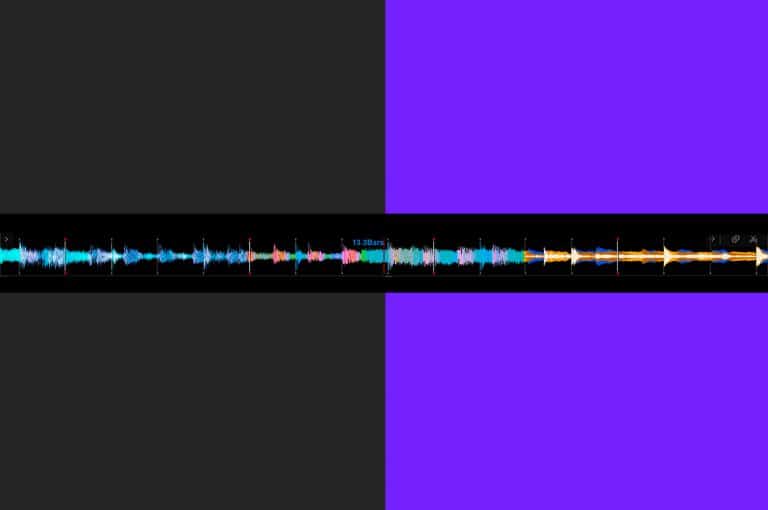
Change the colour of your waveforms
From 10 years ago with the original CDJ2000, the blue waveform has become a staple of the Pioneer line up. However it doesn’t have to be this way, today we show you how to change the look of your waveforms!

From 10 years ago with the original CDJ2000, the blue waveform has become a staple of the Pioneer line up. However it doesn’t have to be this way, today we show you how to change the look of your waveforms!
In this free lesson, we show you how to take your baby scratch to the next level. By varying your timings, you will learn how to perform more complex routines and patterns.
Did you know you can prep tracks whilst DJing in Serato? Today we show you how to use the prepare crate to save you time in your sets!
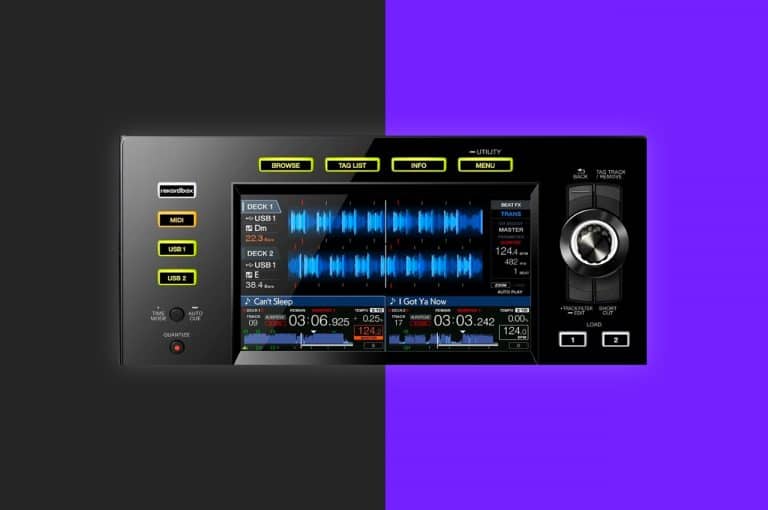
Did you know on the XDJ-RX2 you can move your loops in the track whilst playing? Today we show you how to do it and give you two examples of how to use this creative technique in a live performance!
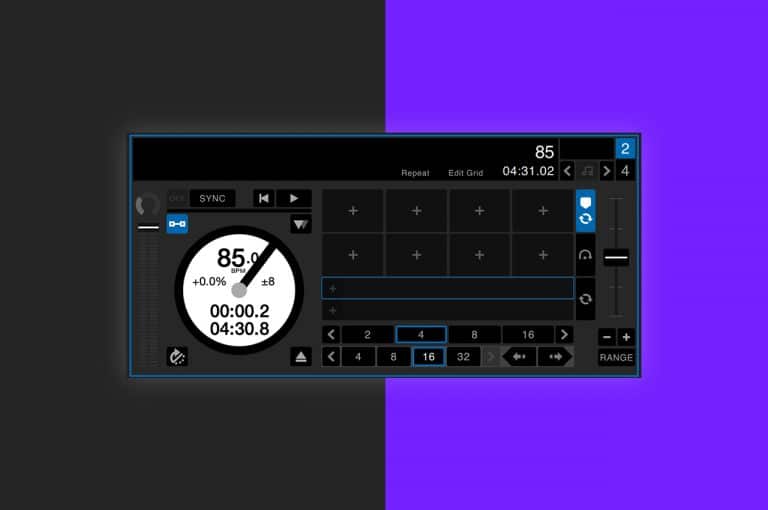
Do you know what AM mode is in Serato and how to use it? In todays episode of did you know, we take a look at this handy feature and how to enable it!
Learn all about Rekordbox DJ, the export and performance software that enables DJ’s to take full control of their Pioneer DJ hardware in this full review!
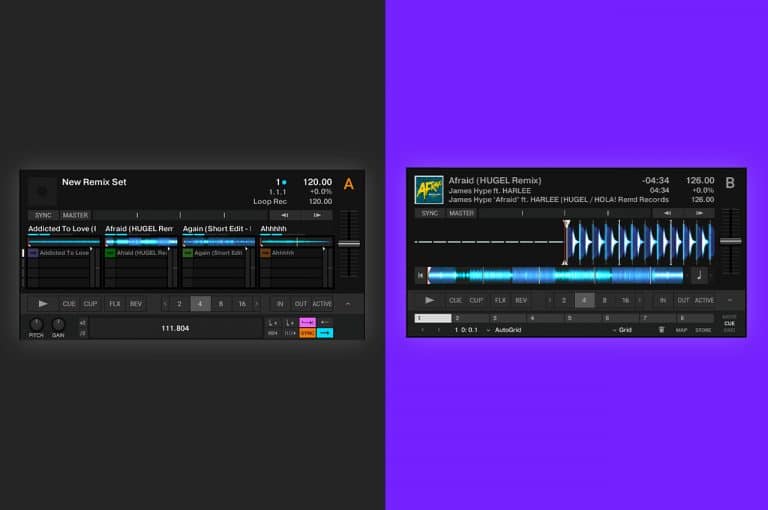
In this tips and tricks video we break down the core differences between the two decks, how to control them and where’s best to use one over the other!
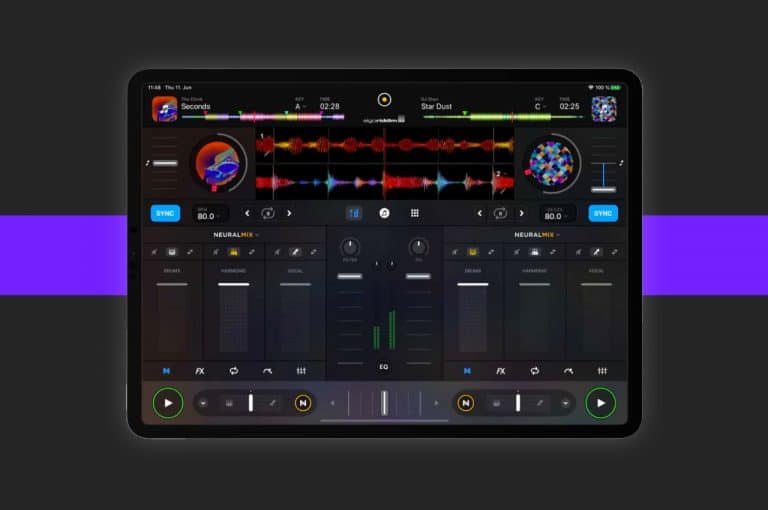
DJing on a iPad is becoming more popular and for good reason. Today we’re going to help you learn how to DJ on a iPad, just using a free app from the app store!
The Pioneer XDJ RX2 offers a whole host of performance features for DJ’s, but there are some features that are a little less obvious to the naked eye. Today Jamie Hartley takes you through some of the lesser known features of this stand alone unit.
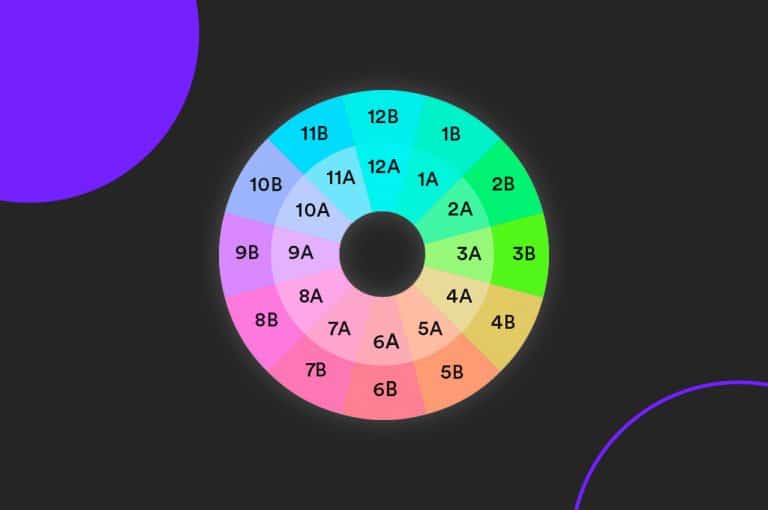
Do you want your mixes to sound better? One of the easiest ways of creating smooth mixes that blend together almost seamlessly is to mix in key. There is a bit of music theory to understand to take full advantage of mixing key but luckily for us, recent updates to DJ software and hardware is making it easier than ever.
The most recent expansion pack for Serato, Serato Play allows DJs to access the softwares full potential without the need to plug in external hardware! Today we look at how to set Serato Play up and how to maximise it’s performance features!

In this beginner’s guide to Rekordbox DJ you will learn how to import, organise and manage your music library.
In this guide we cover the absolute essentials to get you started with Serato DJ Lite and Serato DJ Pro.
Once you know how to baby scratch It’s essential to learn this before moving onto more advanced scratching, combo’s, flares and patterns. This trick will improve your baby scratch instantly!
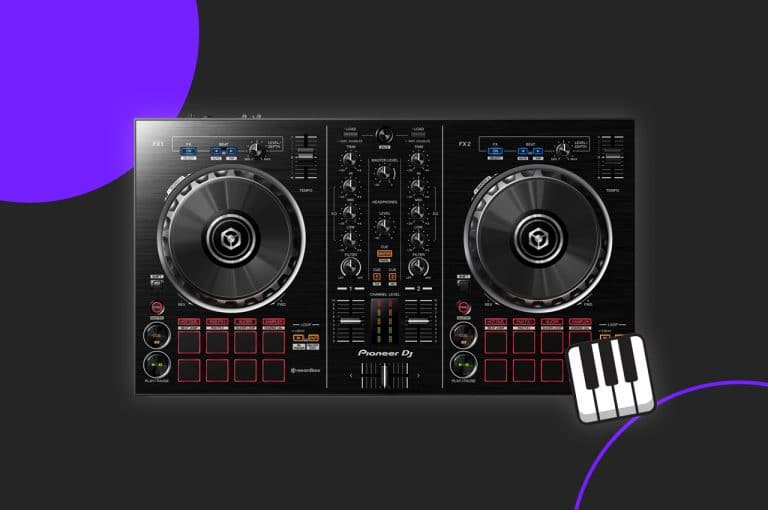
Download our DDJ-RB Keyboard Mode Midi Mapping here!

This week on tips and tricks, Jamie Hartley takes you through some of the more unknown features of the Pioneer DDJ 1000 controller. These tricks will help you become more creative in your DJ sets and help you take full control over your Rekordbox set up!
If you’re just starting your DJ journey we’re here to break down our essential first five steps to help you along your way!
Learn how to play along to the melody of a song in this free DJ lesson taken from our Tone Play Mixing Course.

In this tutorial you will learn 5 ways to make use of Serato Flip. This is an expansion for the Serato DJ Pro software. Learn to DJ with Crossfader.

Follow this DDJ SB3 tutorial on how to use the FX Fade pad mode. This mode is really useful for beginner DJs. Watch and learn how to DJ with Crossfader!

Have you ever sat in front of your DJ equipment wondering where to start when planning a DJ set or routine? Do you need some inspiration to help you start thinking creatively about music? We’re here to give you some starting points and help you get inspired!