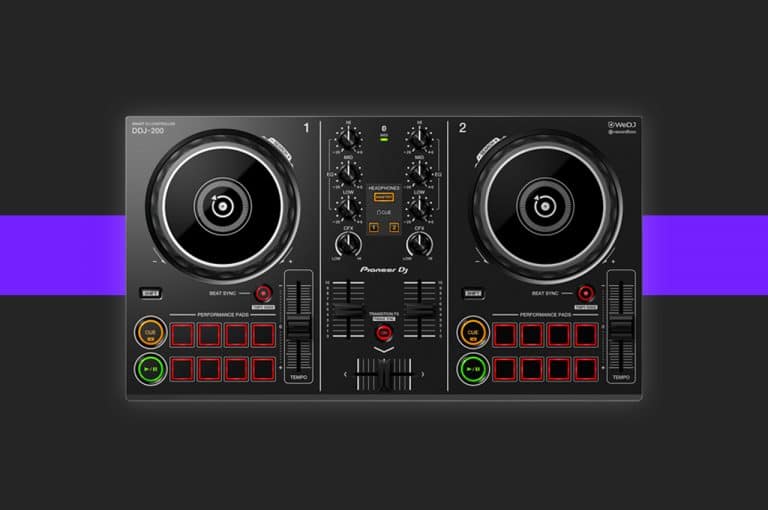
Three Mixing Techniques for the DDJ 200
Take your DJ’ing to the next level on the DDJ 200 by levelling up your transitions. In this article and video, we will run you though three easy ways to make your mix sound more creative and interesting.

Take your DJ’ing to the next level on the DDJ 200 by levelling up your transitions. In this article and video, we will run you though three easy ways to make your mix sound more creative and interesting.
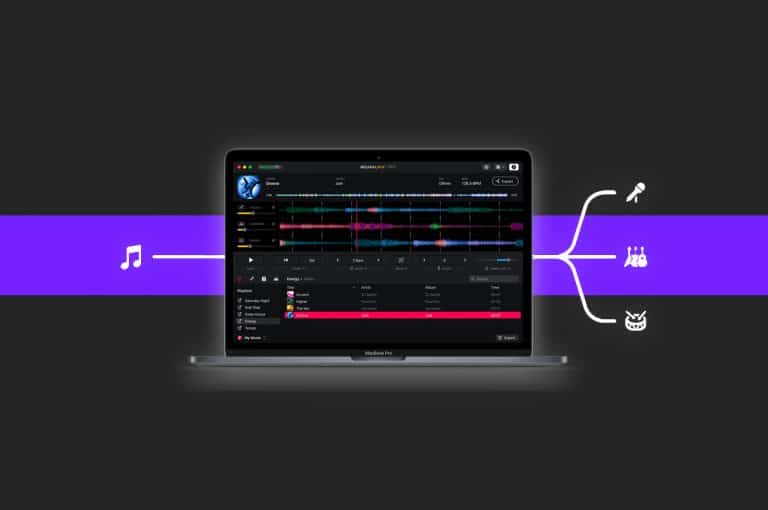
Learn how to create your own acapellas from music you already own! Using one of three easy applications, it’s never been easier!
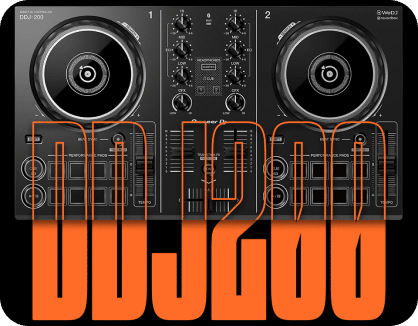
Learn how pro DJs use the EQs and filter control to create perfect and seamless DJ transitions! Master your DDJ-200 today with Crossfader!
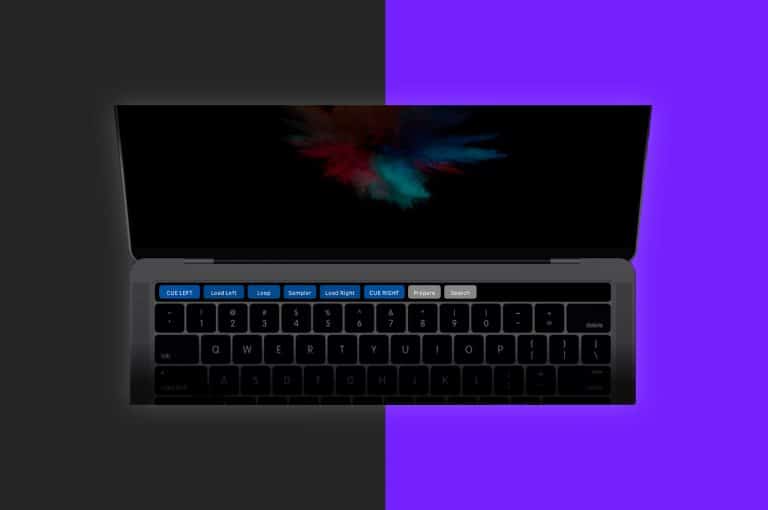
In this guide we are going to show you how to DJ with the touch bar, turning it into a MIDI device just like a miniature controller!
If you’ve experienced a player error whilst your DJ controller is connected, don’t worry. In this guide we show how to fix the issue.
Get started with your Pioneer DDJ-200 in this complete setup guide and tutorial!
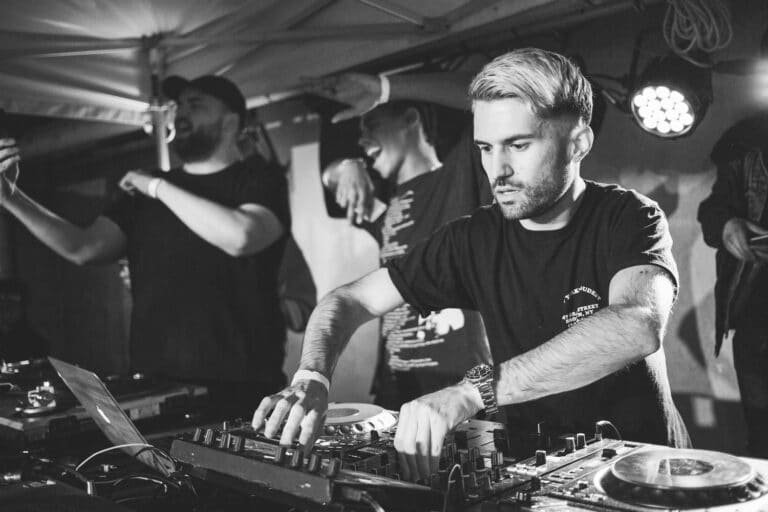
What is a DJ? What does a DJ do and how do you learn to be a DJ? In this article we tell you everything you need to know about becoming a DJ!
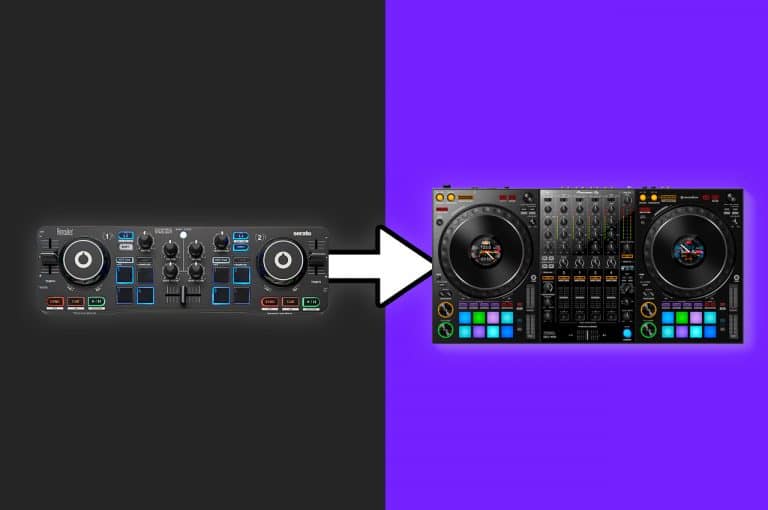
When is the right time to upgrade your DJ gear? And do you even need to? Today we are going to break down five reasons to upgrade your equipment!
In this article we break down how to get started with Denon DJ Engine Prime. From importing music from other software to exporting your music to USB for use on the Prime players.
Phrasing is an essential piece of music theory that can instantly improve your mixing. Learn how phrasing works with our Free DJ Music inside!
Learn how to mix multiple genres in this breakdown tutorial of Lawrence James’ 8 genres in 12 minutes mix!
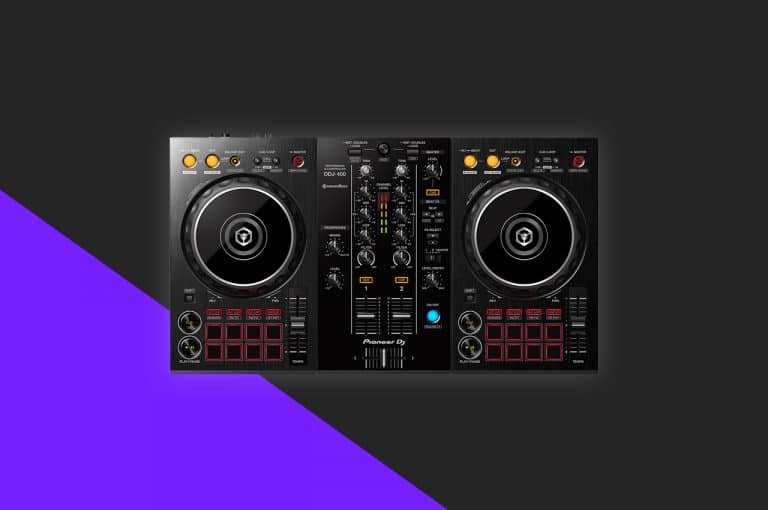
In this tutorial, we are going to show you two methods to reinstate this control either by using your computers keyboard or by MIDI mapping the controller.
Streaming doesn’t have to be complicated. Today we show you the easiest way to get started with just your mobile phone!
With many DJ’s stuck in isolation, we have decided to put together 15 of our free tutorials. Covering all ability levels, we hope these tutorials will help inspire and educate you during this tough time.
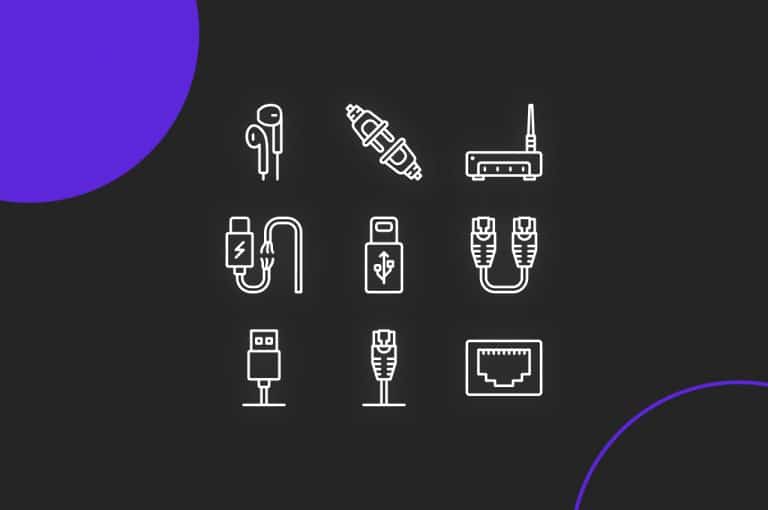
Setting up your DJ equipment can be confusing for many a beginner. But an essential part of a good set up is knowing which cables to use and the reasons for using a certain cable over another. In this guide, we’re going to break down all the cables types and explain their properties and best uses!
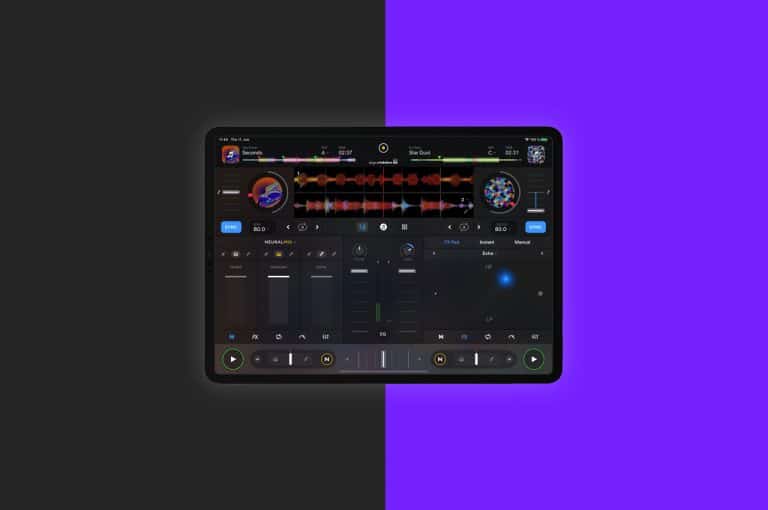
There has never been a better time to start using your iPad to DJ on, with a great range of applications now supporting a vast array of controllers. However, the limited ports on iPads can make it confusing, in this video, we break down exactly how to get started!
The baby scratch is the first step every DJ needs to learn before mastering the art of scratching. Useful as a fill and also as a drop, the baby scratch is a versatile skill that every DJ should learn! In this video, DJ Lawrence James breaks down everything you need to know to get started in the world of scratching!
Knowing what speed to play your tracks after mixing them together is a key skill that every beginner needs to learn. Today, founder and tutor DJ Jamie Hartley shows you exactly what you need to know when it comes to the BPM’s of your songs!
Mixing between genres made easy! Mixing between two different genre’s is a daunting task for DJ’s, the difference in BPM’s and energy can mean a simple beat […]
Recording mixes and sets can be one of the best marketing methods for DJ’s but there has always been confusion about the best way to actually get your set recorded. With many options available, DJ Holland breaks down the key methods and what you’ll need to get set up your sets recorded!
If you’re using your MacBook to DJ it’s a good idea to get your machine as optimised as possible to maximise performance. In this article we are going to show you five handy tips that you might not have been aware about to streamline your machine for DJ applications!