Category: Free DJ Lessons

Stream Without Soundcard

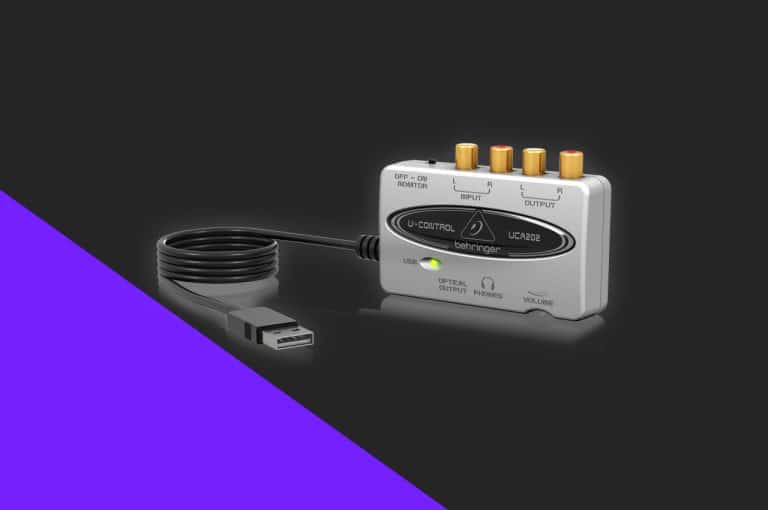
Stream from Rekordbox with no soundcard!

Rekordbox doesn’t include any option to live stream your DJ set straight from the application, meaning you’d usually have to set up an external sound card. However, DJ Holland has a quick and easy “hack” to get the audio from your DJ controller streaming to the world in perfect quality!
DJ Isolation

15 Free DJ Tutorials To Stay Active During Isolation

With many DJ’s stuck in isolation, we have decided to put together 15 of our free tutorials. Covering all ability levels, we hope these tutorials will help inspire and educate you during this tough time.

Serato News

Create a HUGE drop using Serato DJ Pro FX

In this free DJ tutorial, you will learn how to set up hot cues, use Serato DJ FX and essential timing in music to create a huge drop to impress any crowd!

Cable Guide

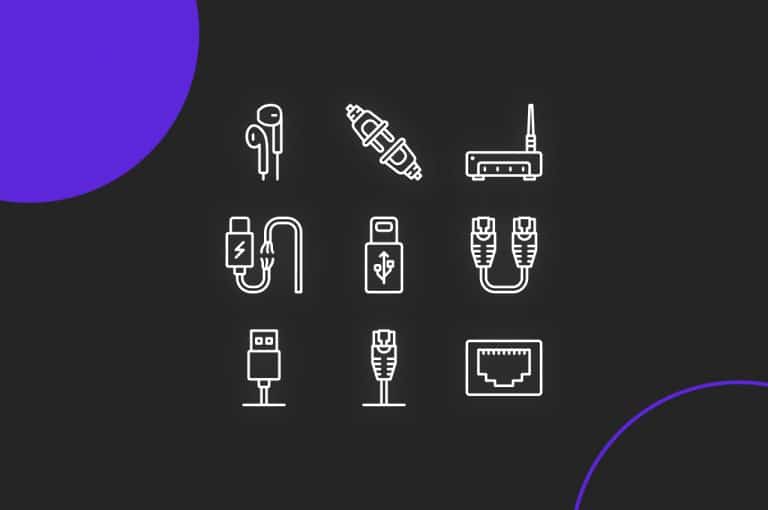
DJ Cable Guide

Setting up your DJ equipment can be confusing for many a beginner. But an essential part of a good set up is knowing which cables to use and the reasons for using a certain cable over another. In this guide, we’re going to break down all the cables types and explain their properties and best uses!

How To Connect A iPad To DJ

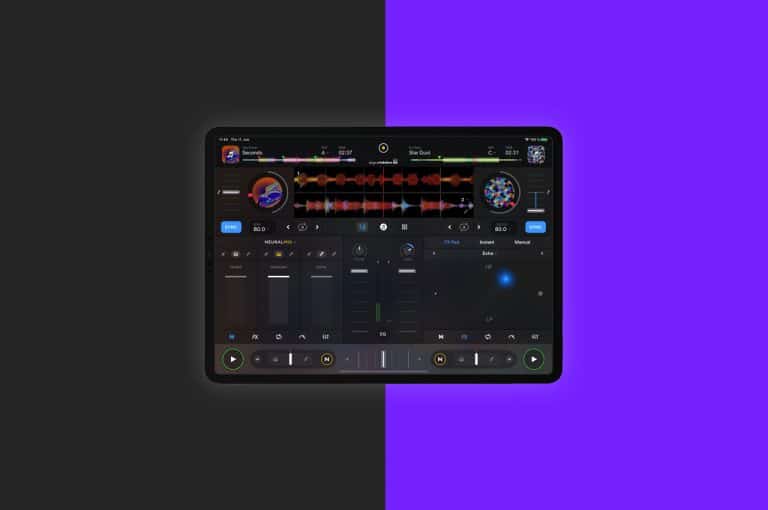
How to connect your iPad to DJ Equipment

There has never been a better time to start using your iPad to DJ on, with a great range of applications now supporting a vast array of controllers. However, the limited ports on iPads can make it confusing, in this video, we break down exactly how to get started!

Scratching Guide

Scratching for Beginner DJs

The baby scratch is the first step every DJ needs to learn before mastering the art of scratching. Useful as a fill and also as a drop, the baby scratch is a versatile skill that every DJ should learn! In this video, DJ Lawrence James breaks down everything you need to know to get started in the world of scratching!

Key Lock and Master Tempo

Moving BPMs between mixes, what you need to know!

Knowing what speed to play your tracks after mixing them together is a key skill that every beginner needs to learn. Today, founder and tutor DJ Jamie Hartley shows you exactly what you need to know when it comes to the BPM’s of your songs!

Mix Different Genres

3 Easy Transitions To Mix Any Genre

Mixing between genres made easy!   Mixing between two different genre’s is a daunting task for DJ’s, the difference in BPM’s and energy can mean a simple beat […]

How To Record DJ Set

How to record your DJ set!

Recording mixes and sets can be one of the best marketing methods for DJ’s but there has always been confusion about the best way to actually get your set recorded. With many options available, DJ Holland breaks down the key methods and what you’ll need to get set up your sets recorded!

DJ Macbook Settings

5 essential tips for DJs using a MacBook!

If you’re using your MacBook to DJ it’s a good idea to get your machine as optimised as possible to maximise performance. In this article we are going to show you five handy tips that you might not have been aware about to streamline your machine for DJ applications!

Windows DJ Settings

5 essential settings for DJs using Windows!

If you are using a Windows computer to DJ with, there are various settings we can tweak to maximise the computers performance. In this article we are going to show you five handy tips that you might not have been aware about, to streamline your machine for DJ applications!

Rekordbox Library Tips

Five Library Management Tips in Rekordbox

Every DJ organises their libraries differently and it’s a very personal and unique process. Fortunately modern day DJ softwares offer us methods to customise our libraries to suit our individual needs. Today we take a look at Rekordbox and show you five top tips every DJ should know to help you organise your digital record collection perfectly!

Serato Sampler

How to use the Serato Sampler

One of the oldest performance features within Serato, the sampler is capable of much more than just playing a airhorn for urban sets! In this tips and tricks, we break down the Sampler to show you how to maximise it’s use in your sets!

Serato Computer Speakers Guide

Using Serato With Your Laptop Speakers

Serato users are forced to use external speakers when a controller is plugged in, meaning practicing just with the laptops speakers is impossible. However, DJ Holland has a quick and easy “hack” to re route the audio back to the laptop speakers!

DJ Mixer Connectivity Guide

The Inputs and Outputs on a DJ mixer

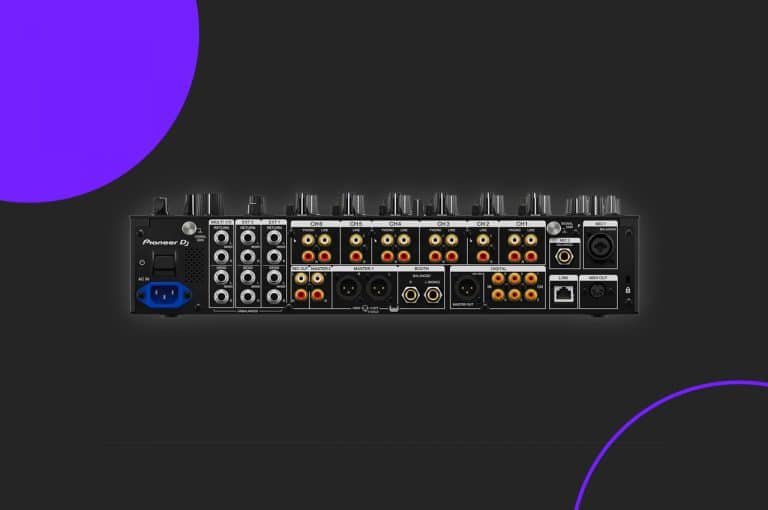
Stand alone professional DJ mixer carry more inputs and outputs than a regular controller. In this guide, DJ Holland breaks down all the ports so you know exactly how to wire up correctly!

What Is Trim

What is trim and how to manage it in your DJ sets

Setting your gain structure and controlling your levels is a critical part of every DJ routine. Often overlooked and the main cause of bad sounding audio and mixes, it’s important for every DJ to know how and when to adjust the gain. In this video our DJ tutor Jamie Hartley breaks down the essentials to make sure your mixes never suffer from unwanted distortion or compression.

CDJ HID Guide

Setting up and using HID mode

HID brings the best of club standard hardware to laptop DJ’s with little compromise. In this article we show you how to set up HID mode in on Rekordbox and Serato. 

How To Scratch Acapellas

Scratching with Acapellas

Acapellas or “A cappella” to give it its proper spelling, are a vital tools for DJ’s allowing them to create live remixes and transition between songs with more flair. In this free tutorial Jamie Hartley breaks down different ways to combine scratching with the use of a cappella’s to take your sets to the next level.

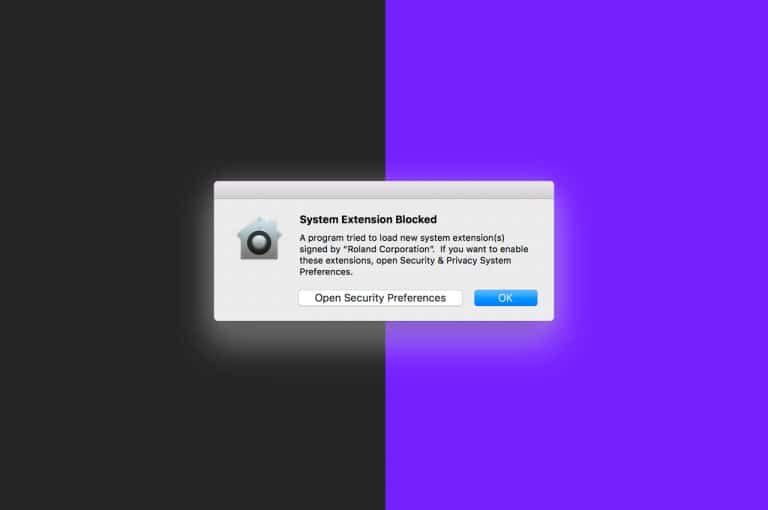
Mac Driver Error

DJ controller not connecting to Mac? – How to fix the common driver issue!

A recent update to Mac OS X included improved security surrounding driver installation. If rushed, you may miss this crucial step when installing your DJ hardware, meaning loss of audio and sometimes no connection at all. Crossfader’s resident geek DJ Holland breaks down the steps you need to look out for when installing your hardware to ensure a perfect connection every time!