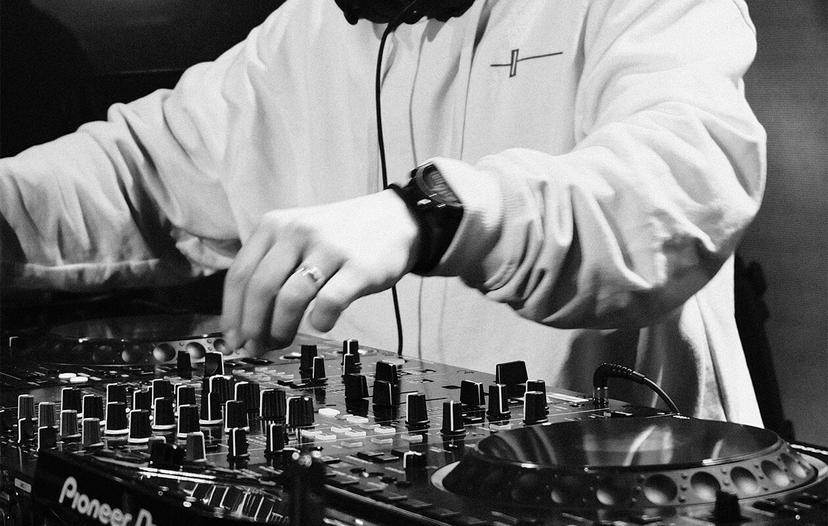
Structured online DJ courses
Learn to DJ on your gear, at your pace.
From your first beatmatch in the bedroom to your first set in the club. Structured lessons taught by real DJs, on the exact kit you own.
SAVE 90%Get every DJ course with the Complete DJ Package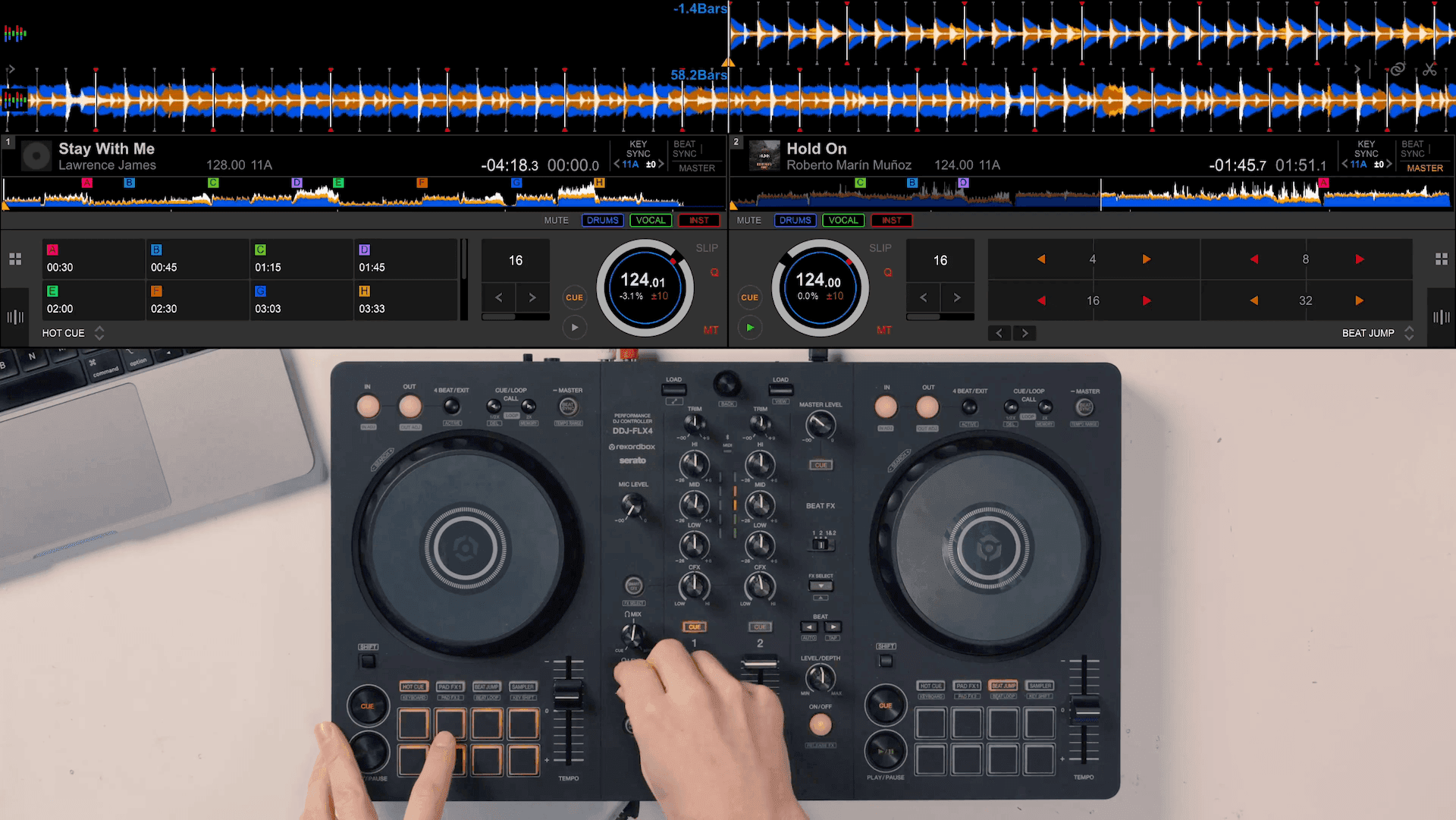 Filmed on your gear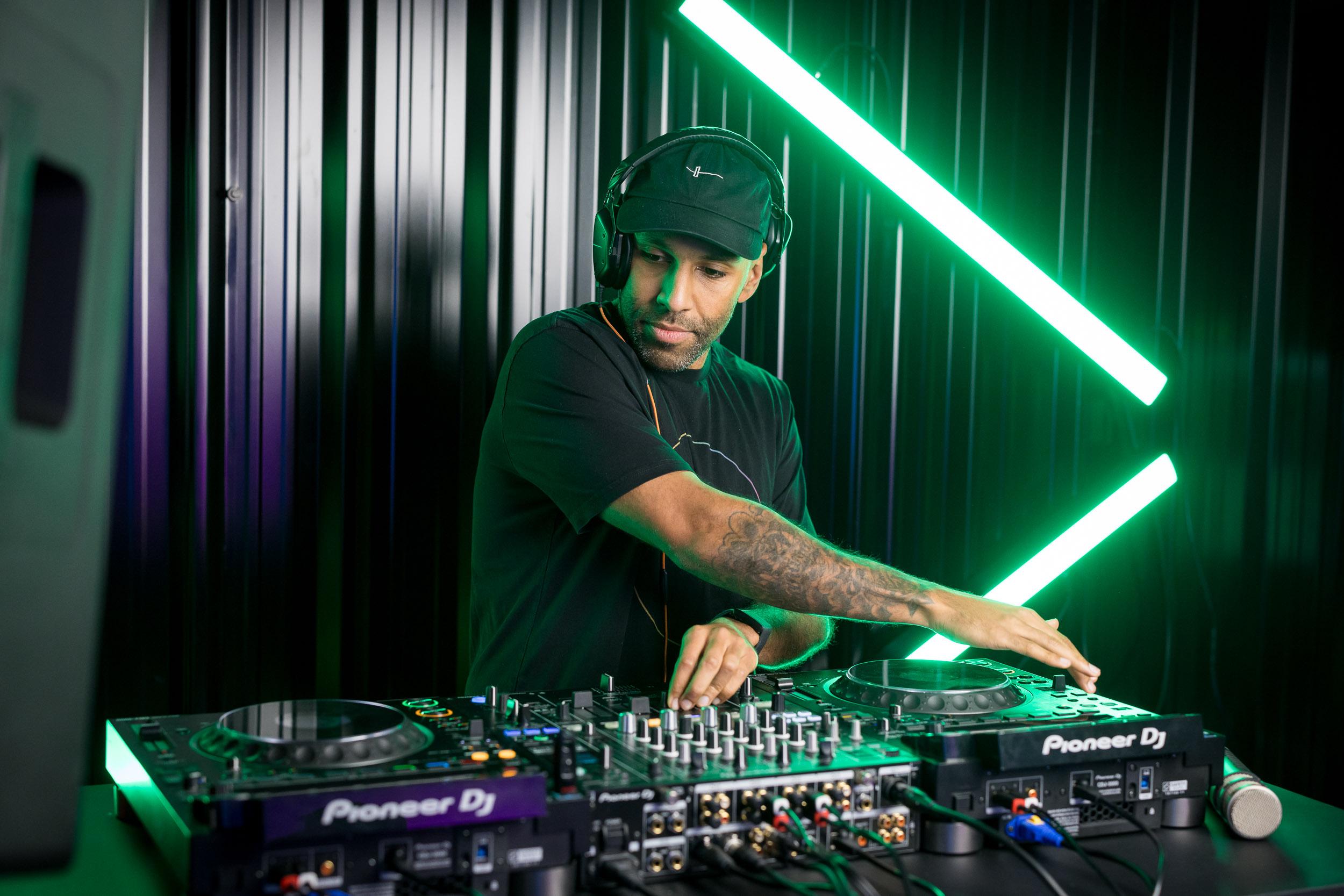
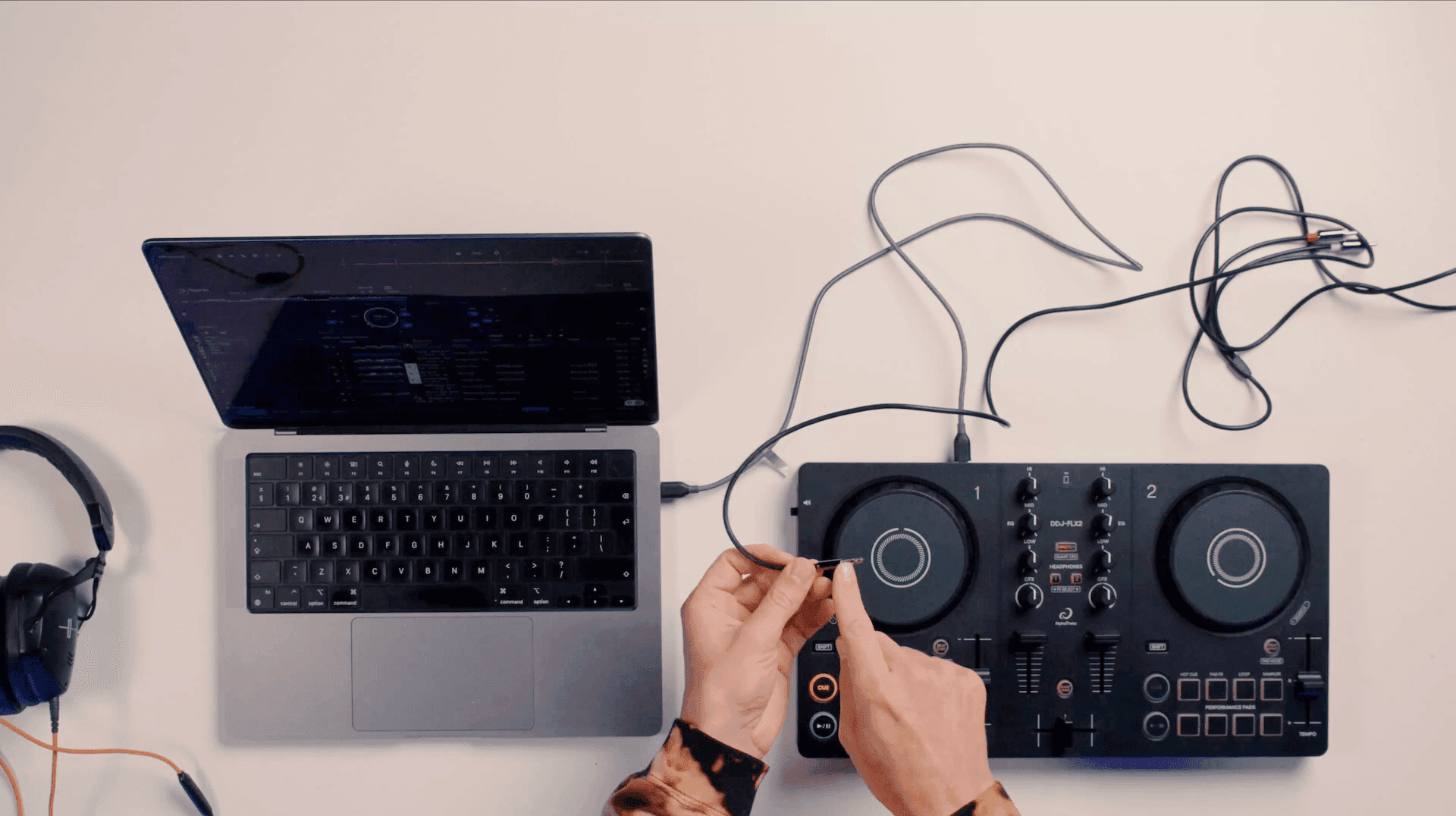
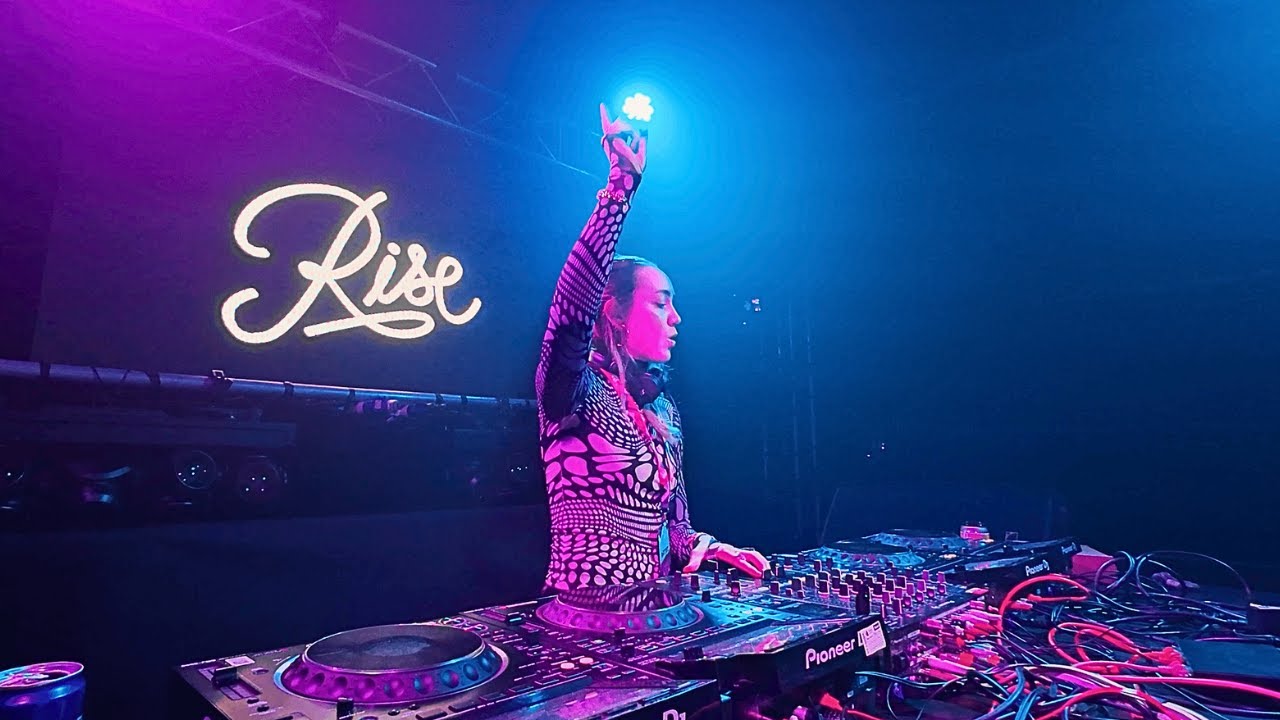 Get opportunities like this...
DJ courses for your gear
A quick look inside
See Crossfader in action.
No card required · 30-day money-back guarantee on one-time payments
A clear path, not random tutorials
Your DJ journey, built around you.
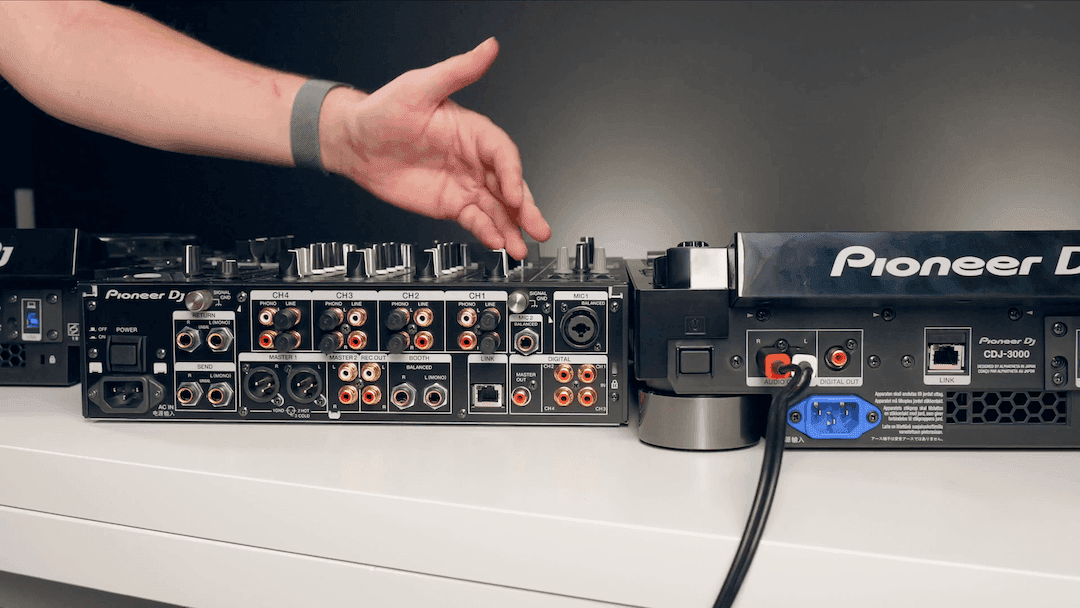
Tell us your equipment, software, genres and goals (from 240+ controllers to any sound you want to play) and we build a learning roadmap around your exact setup.
Your DJ equipment
Your DJ software
Your favourite genres
Your goals
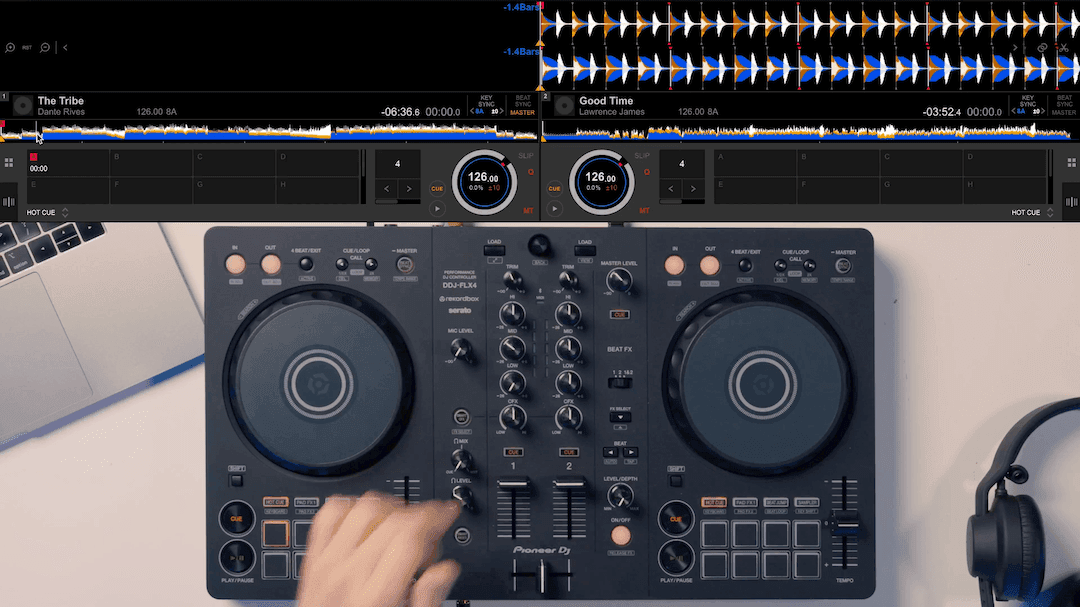 Step 01
Set up your DDJ-FLX4
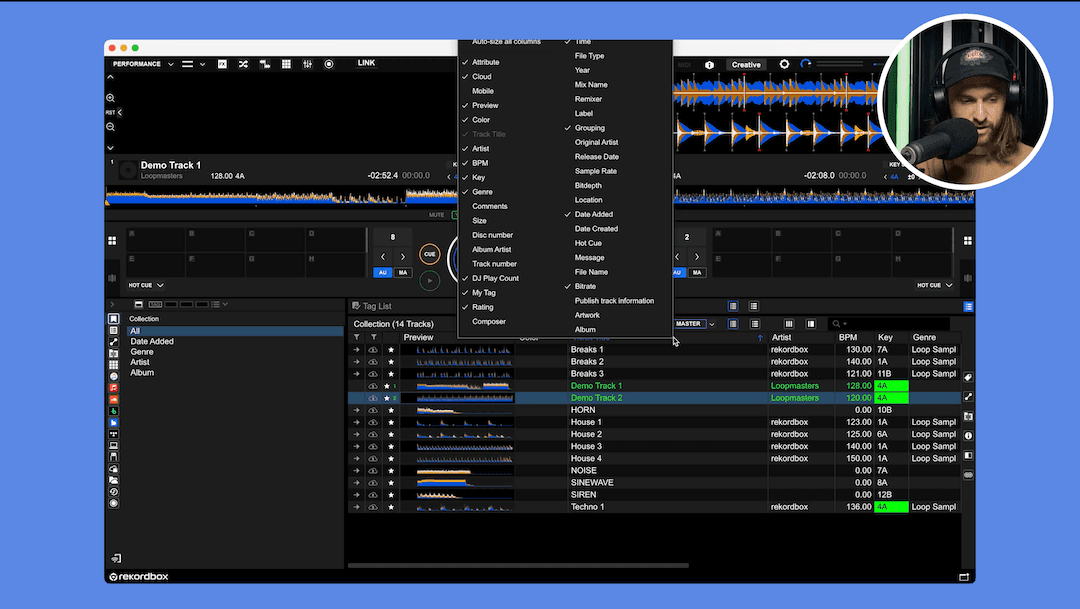 Step 02
Master your software
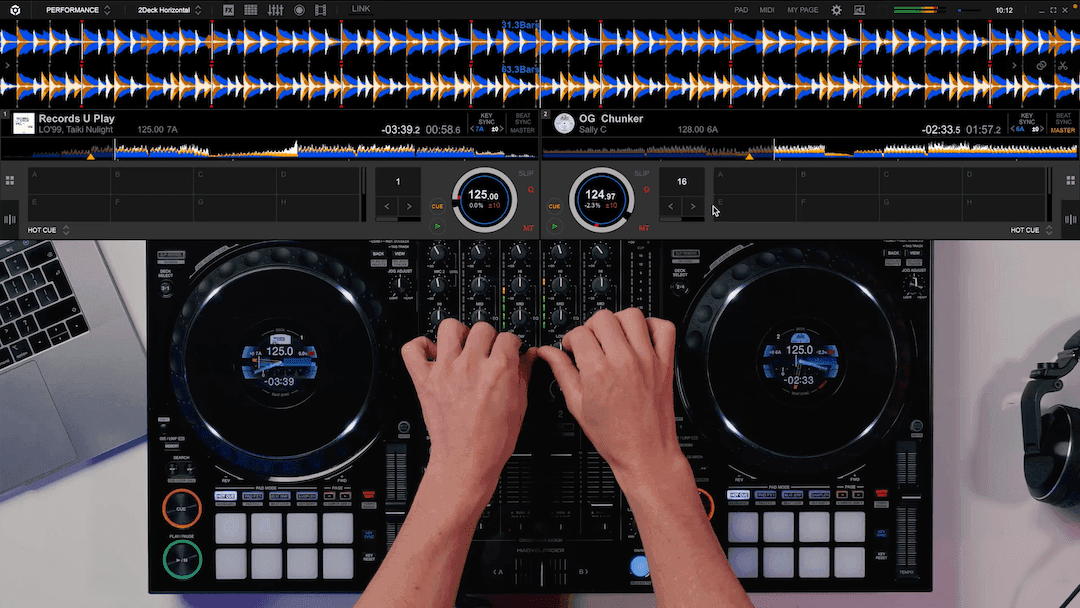 Step 03
House mixing techniques
 Step 04
Get gig ready
Answer the questions at sign-up and your full personalised plan is ready. No card required.
Overview: Expert-led online DJ courses
Built by DJs, for DJs.
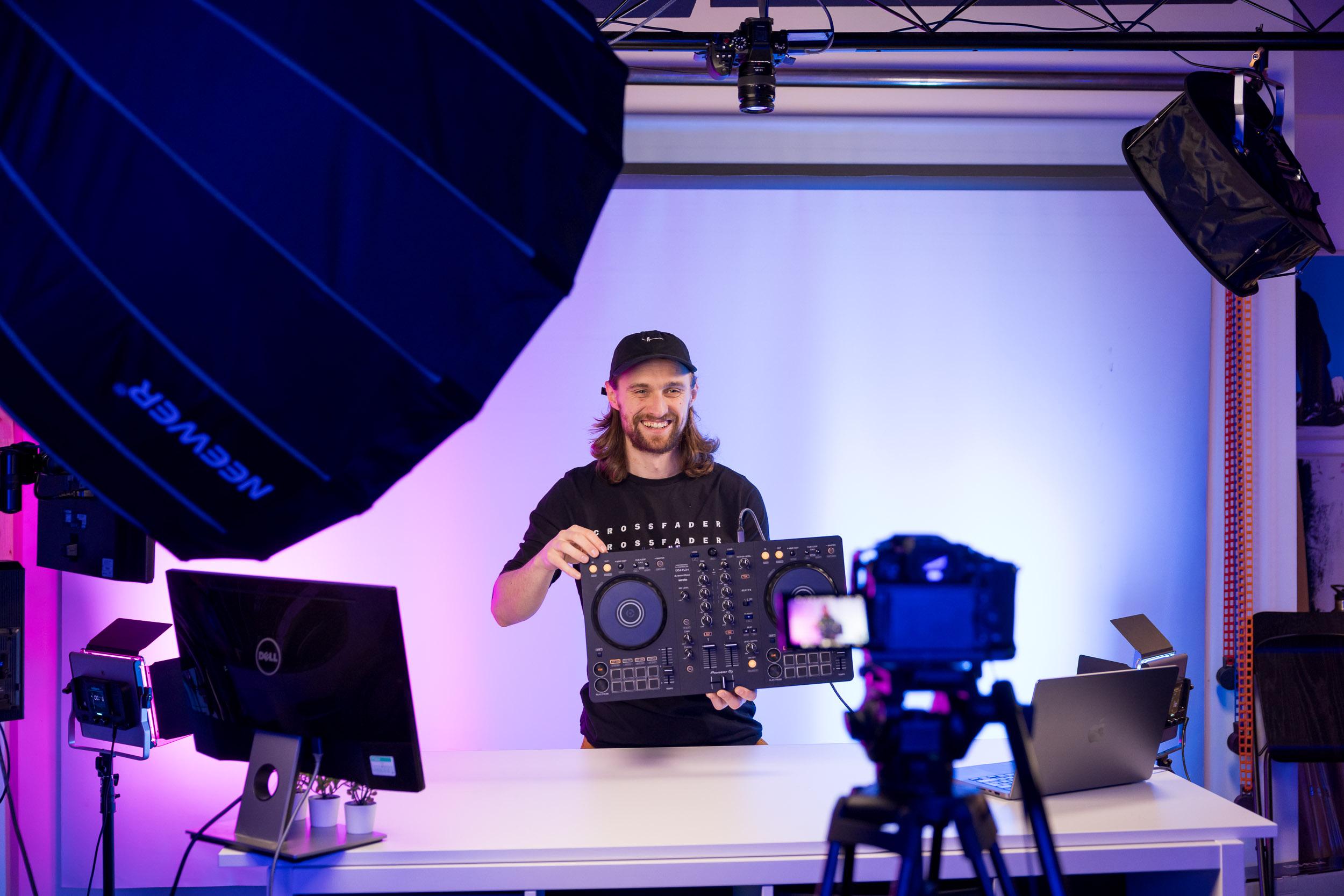
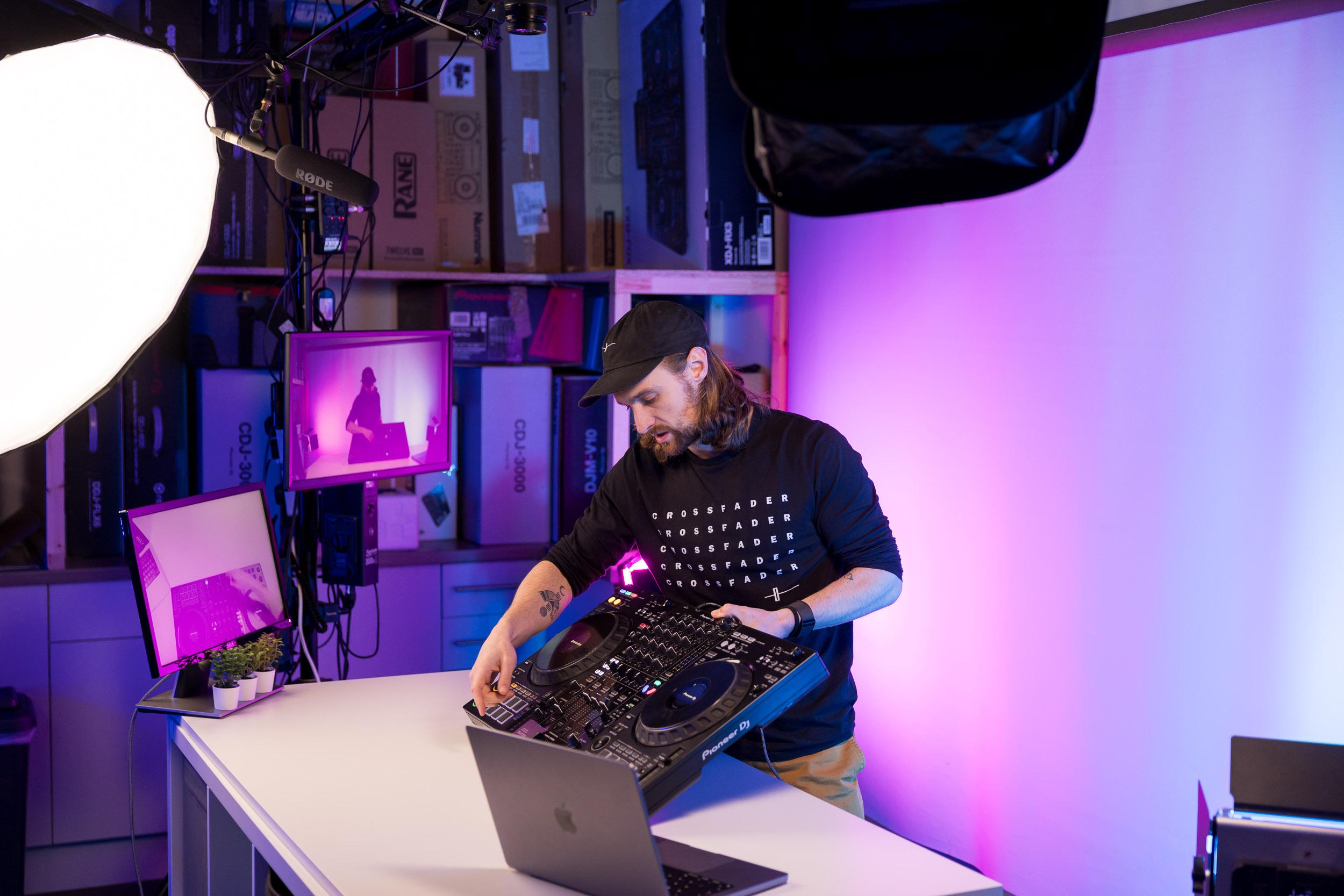
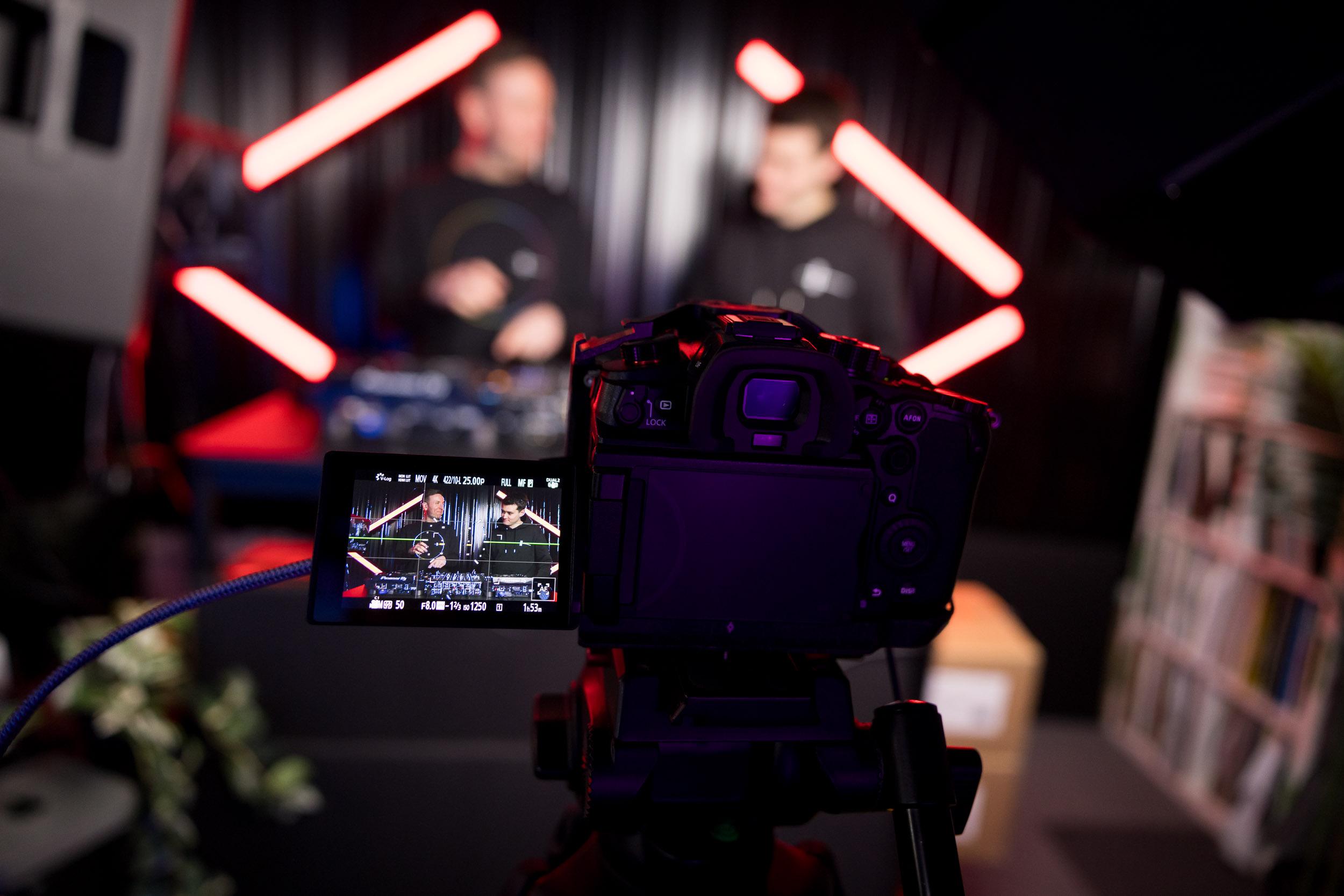
Every lesson inside Crossfader is taught by experienced working DJs who've spent decades in club booths and festival stages. We've taken everything we've learned from all that experience and turned it into a clear roadmap for DJs like you.
- Total Students
- 50,000+
- Students
- Total Lessons
- 3,000+
- Lessons
Inside Crossfader
More than just a course.
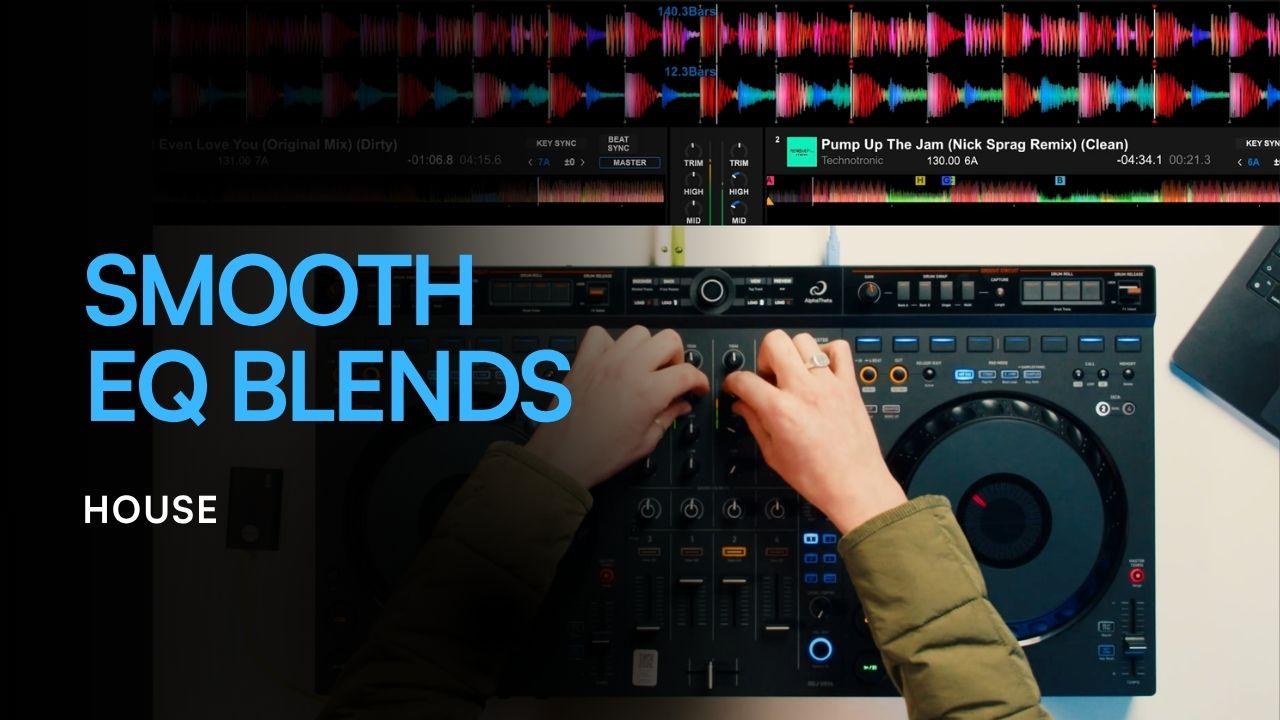
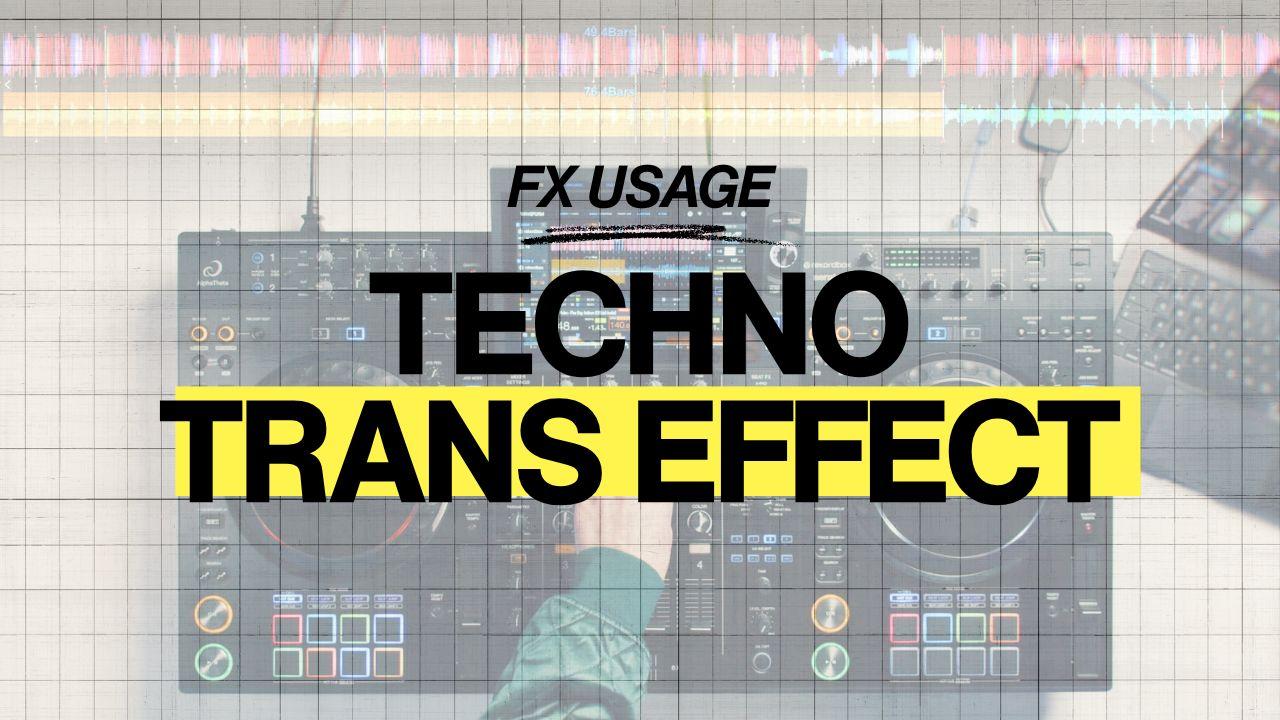
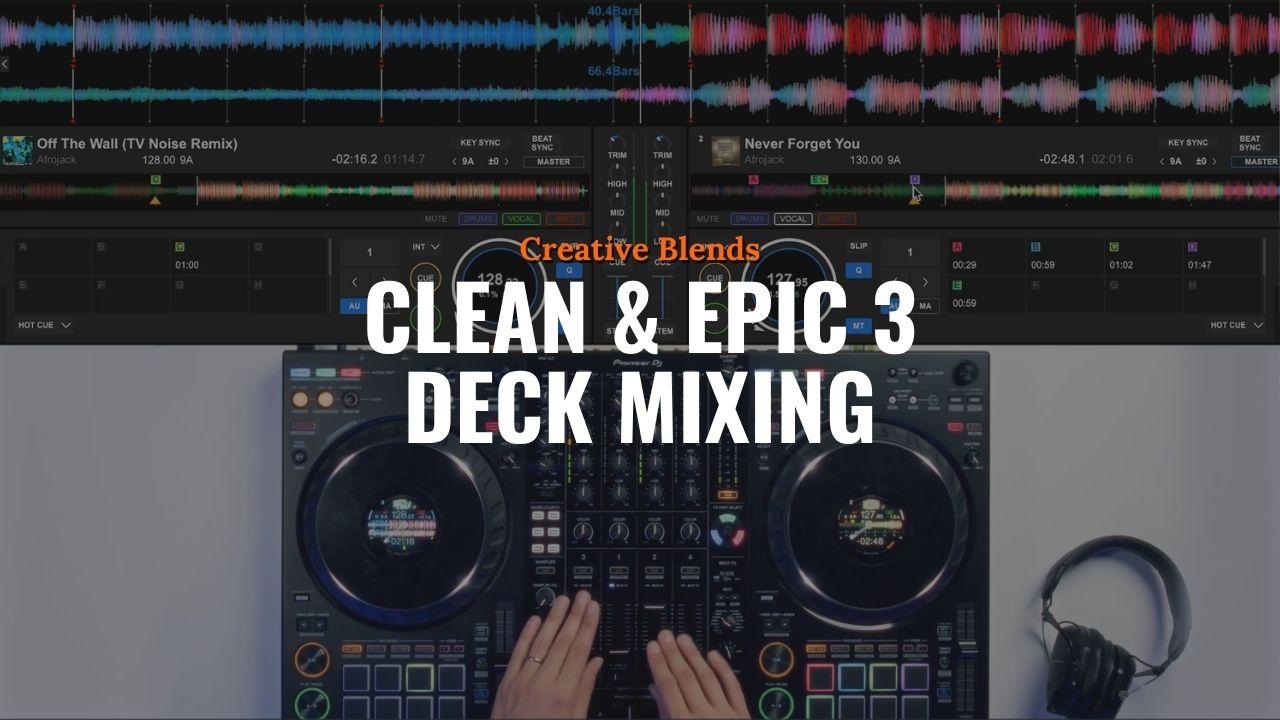
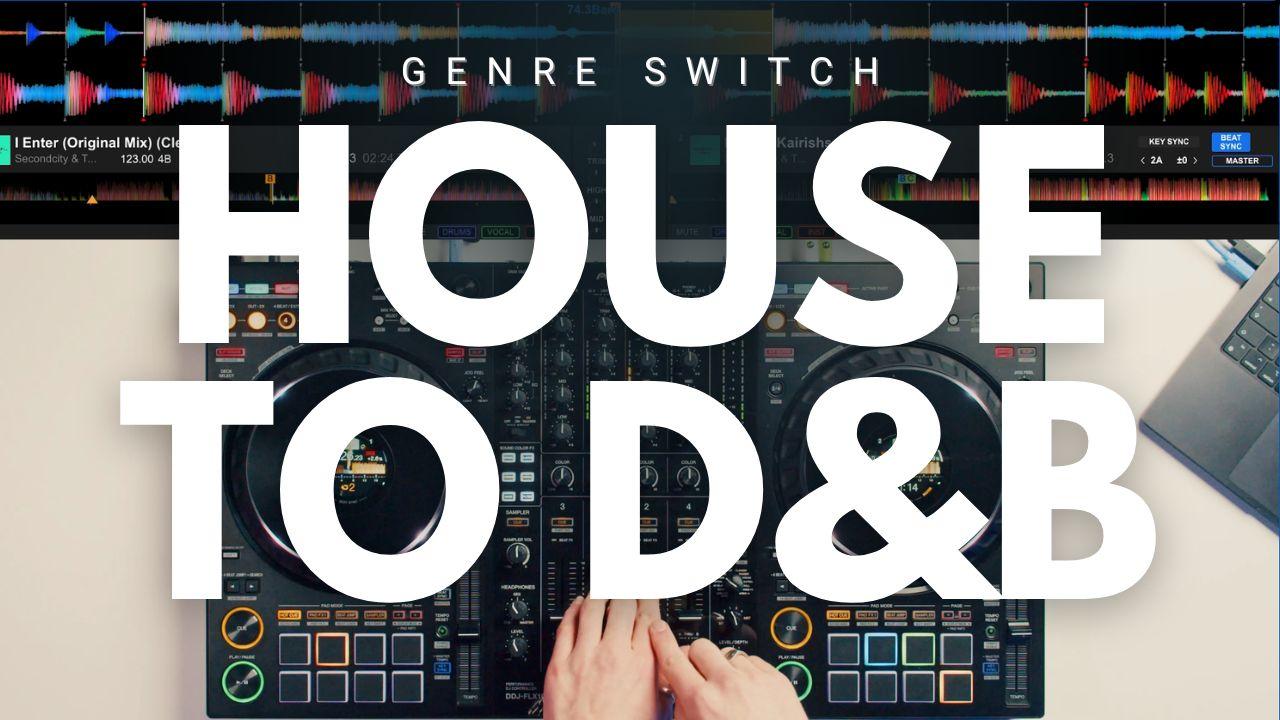
Transitions Library
Pro transitions, indexed.
Real transitions from working DJs, sorted by genre, BPM and level. Hear the technique, see how it's built, then drop it into your own mix, and the library keeps growing.
- Sorted by genre, BPM and skill level
- Watch the technique, then build it yourself
- New transitions added every week

AI tutor
Meet Nudge.
An AI tutor trained on every Crossfader lesson. Stuck on a transition, a technique or a piece of kit? Ask Nudge. Hardware, software or mixing question, you get a clear, structured answer back.
- Trained on 3,000+ Crossfader lessons
- Links you straight to the relevant lesson
- Included in the Complete DJ Package

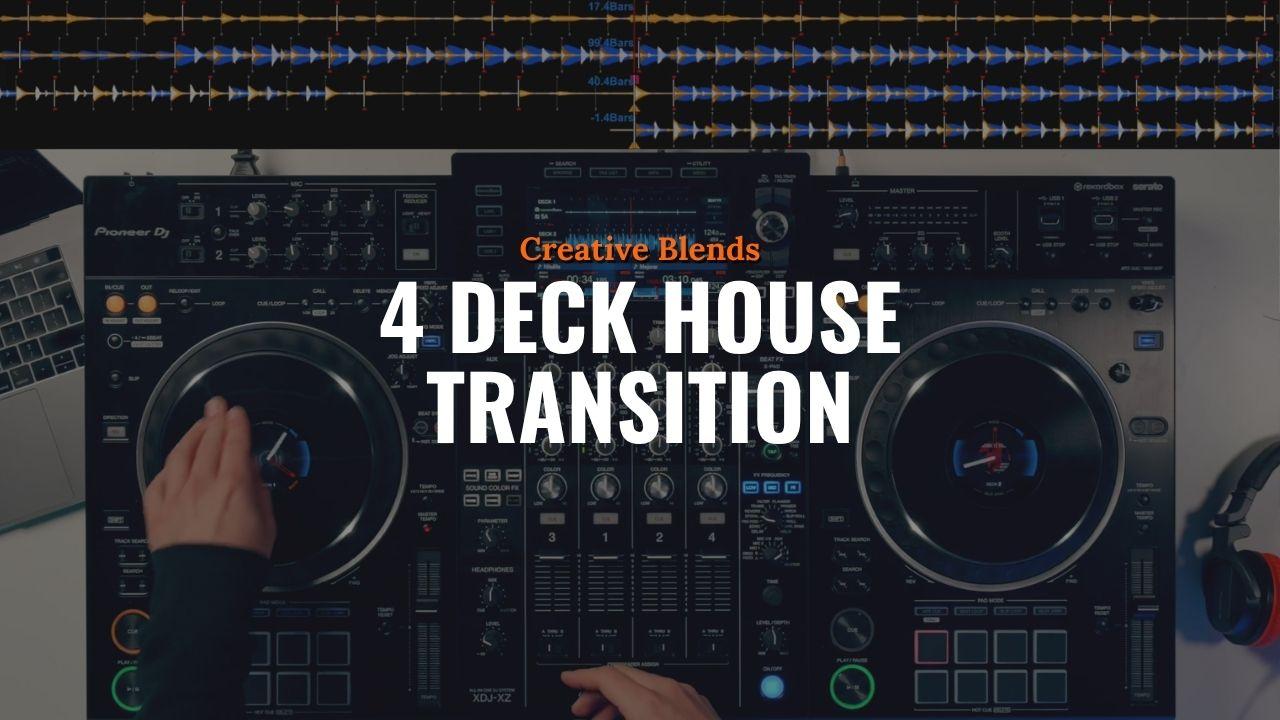
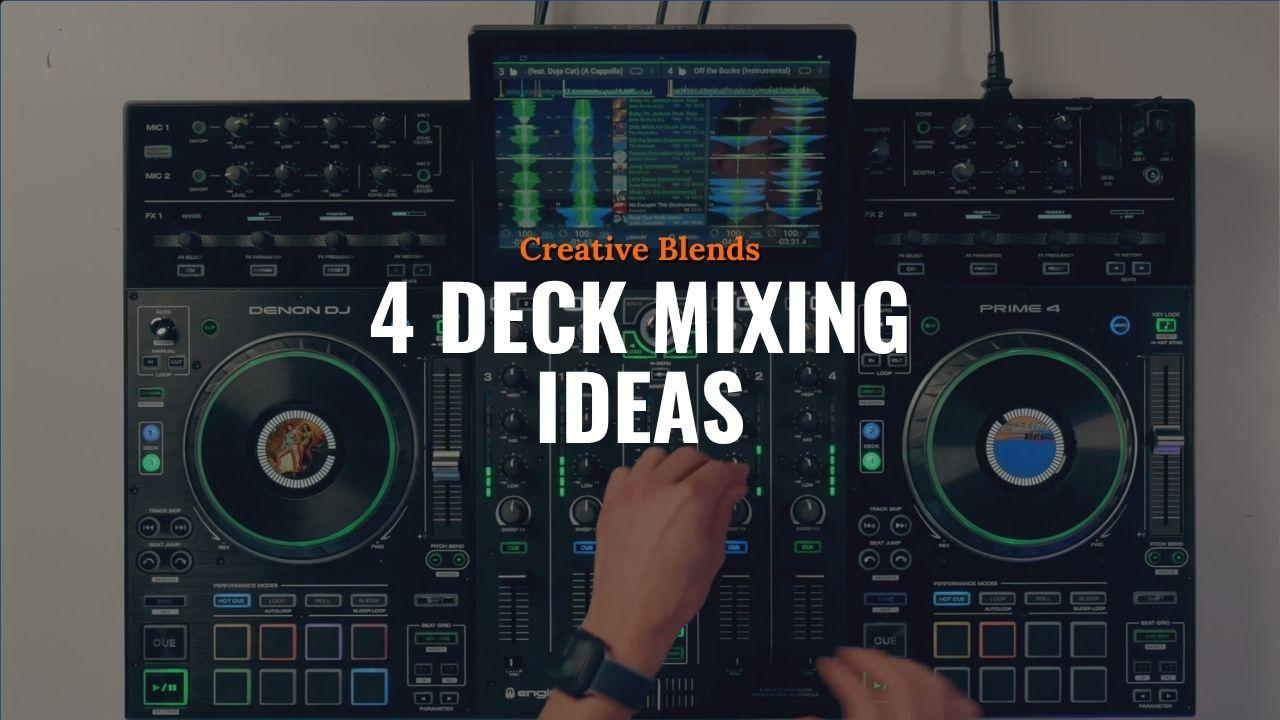
Mix breakdowns
Go behind the mix.
Watch working DJs break down full sets, every track choice, every transition, every technique call explained. See how a mix is built, then borrow the moves.
The Transitions Library, Nudge and Mix Breakdowns, all inside.
Get the Complete DJ PackageReal students, real stories
Hear it straight from our DJs.
Where Crossfader students play
Real-world opportunities and industry access.
We don't just teach you how to mix. We want to turn you into a real pro DJ. That's why we give you the chance to get your mixes heard and show your skills on major stages.
Spotlight · m00nyean
From student to mainstage.
When Crossfader student Moonyean entered one of our DJ competitions, she was practising along to our courses at home like everyone else. Months later, she was supporting Kettama on the mainstage of Rise Festival. These are the kinds of doors we open for our community on a regular basis.
Read m00nyean's storySupported by





.png&w=384&q=75)
-Logo.wine.png&w=384&q=75)

Your next move
Don't stop at DJing.
Once you're confident on the decks, the natural next move is making the music yourself. Start with edits of the tracks you already play, then step into full originals, taught by a Toolroom Academy tutor, inside Crossfader.
Explore the producer coursePricing & plans
Three ways to learn.
Buy individual DJ courses, focus on producing with Toolroom Academy, or unlock every DJ course plus bonus content, the Transitions Library and Nudge (Crossfader's AI DJ tutor) with the Complete DJ Package.
Frequently asked questions
Everything you wanted to ask.
Is Crossfader good for complete beginners?
What DJ equipment and software does Crossfader cover?
How much does Crossfader cost?
Is there a money-back guarantee?
Do I get lifetime access to courses?
Does Crossfader cover music production as well as DJing?
How long does it take to learn DJing with Crossfader?
Who teaches Crossfader courses?
Can I try Crossfader before paying?
Join 50,000+ DJs on Crossfader
See free DJ lessons, download free DJ music and learn some new skills.