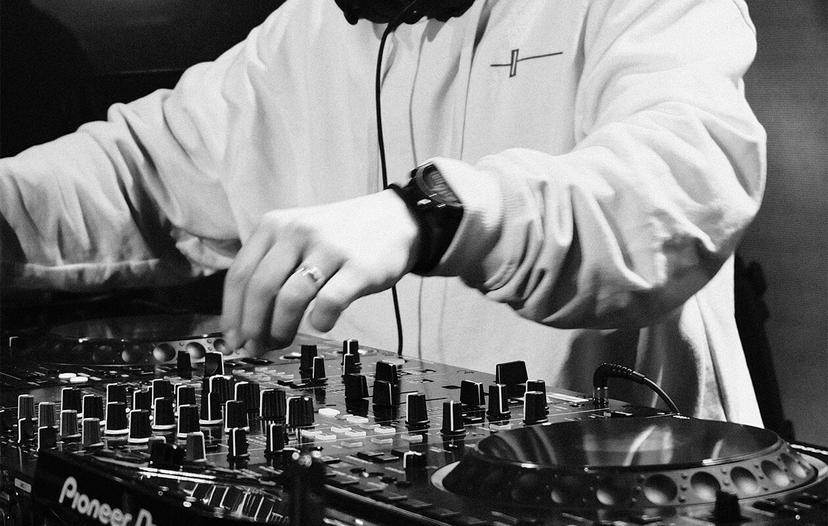
DDJ-FLX4 bundle
From first setup to full sets on your DDJ-FLX4
Our Beginner and Pro courses in one bundle. Follow one structured path, with step-by-step interactive video lessons made for your controller and taught by real pro DJs.
Just starting out?
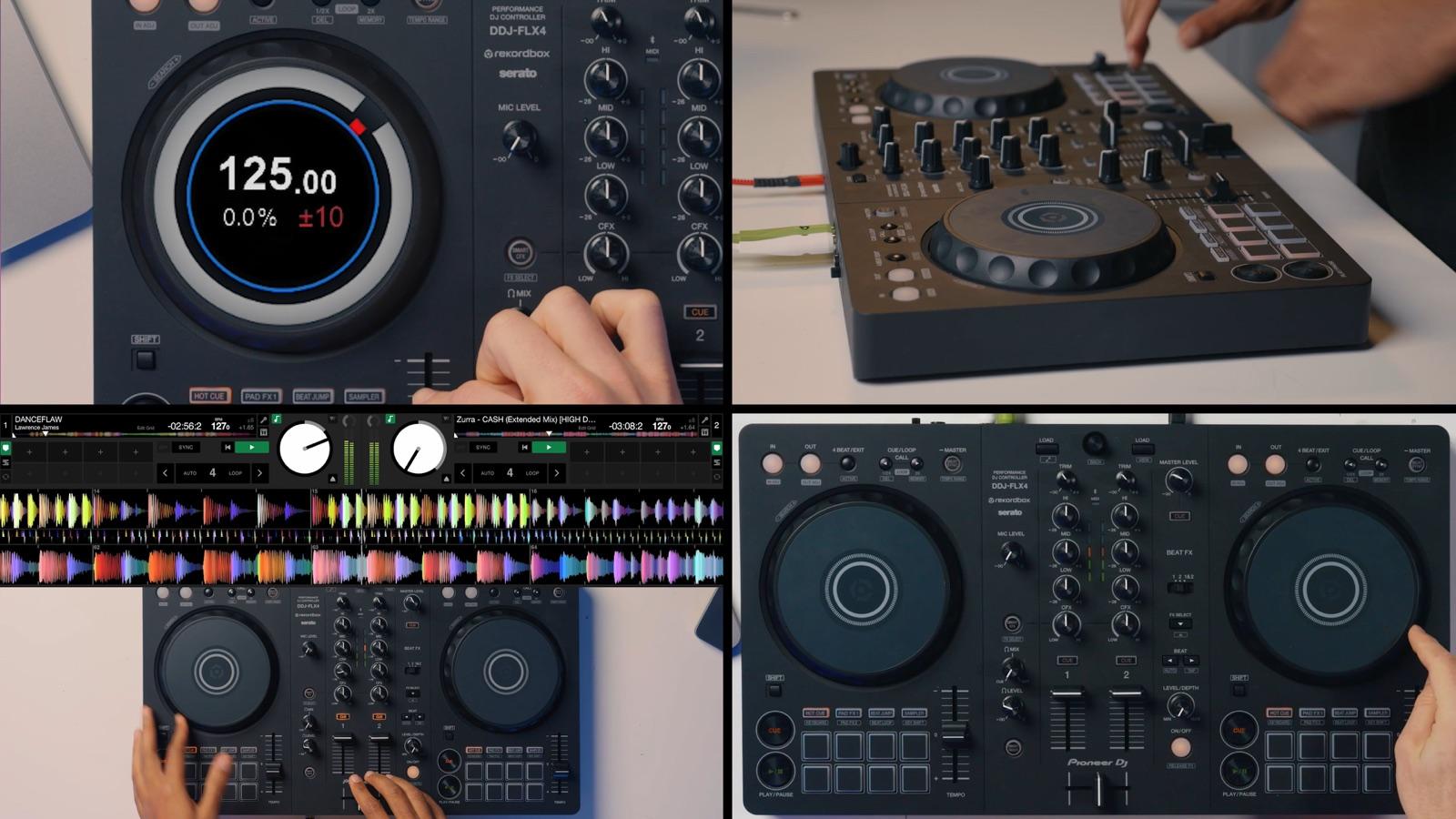 Beginner + Pro · lifetime access
Sound familiar?
Where most new DJs get stuck
You couldn't wait to get started when the FLX4 arrived. But you've still not made the progress you want with your DJ skills...
100 tabs of YouTube, still stuck
There's loads of great free content out there, but it comes in a random order. You end up learning flashy tricks before the basics, and after hours of watching you still can't pull off a proper mix.
So many buttons, no idea where to start
Jog wheels, pads, FX, filters... Without the right roadmap all these options can feel overwhelming.
It's starting to gather dust
It's hard to sit down and practise when you're not sure what you should be doing. So you end up forgetting about it after a while.
We've all been there. What's missing is structure: learning things in the right order, so each step builds on the last and you get real results much faster. That's exactly how our courses work.
There's a better way
Your path from unboxing to a full set
No more guessing what to learn next. We'll show you the same roadmap 50k+ DJs have used.
 1
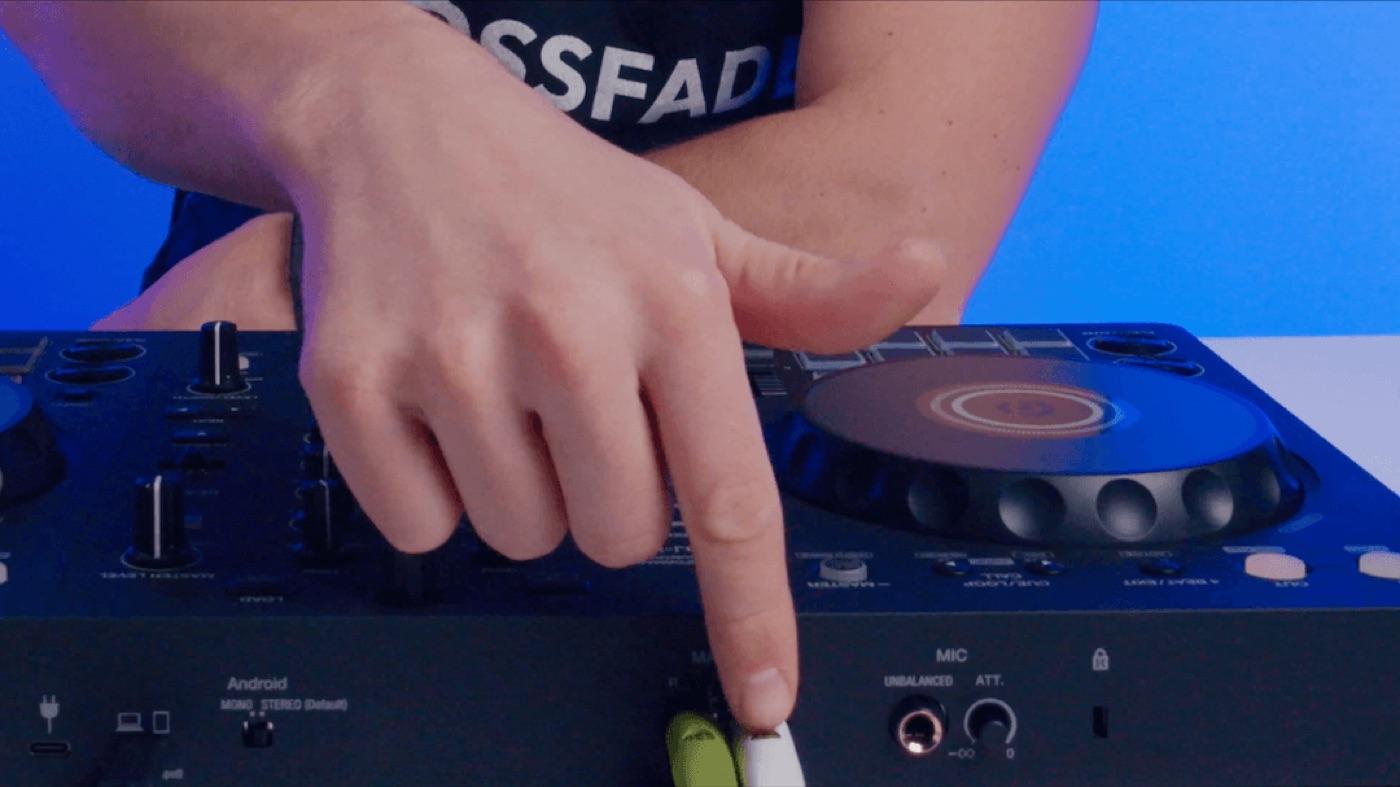
1Get set up
Learn your way round the FLX4 and get your music in.
 2
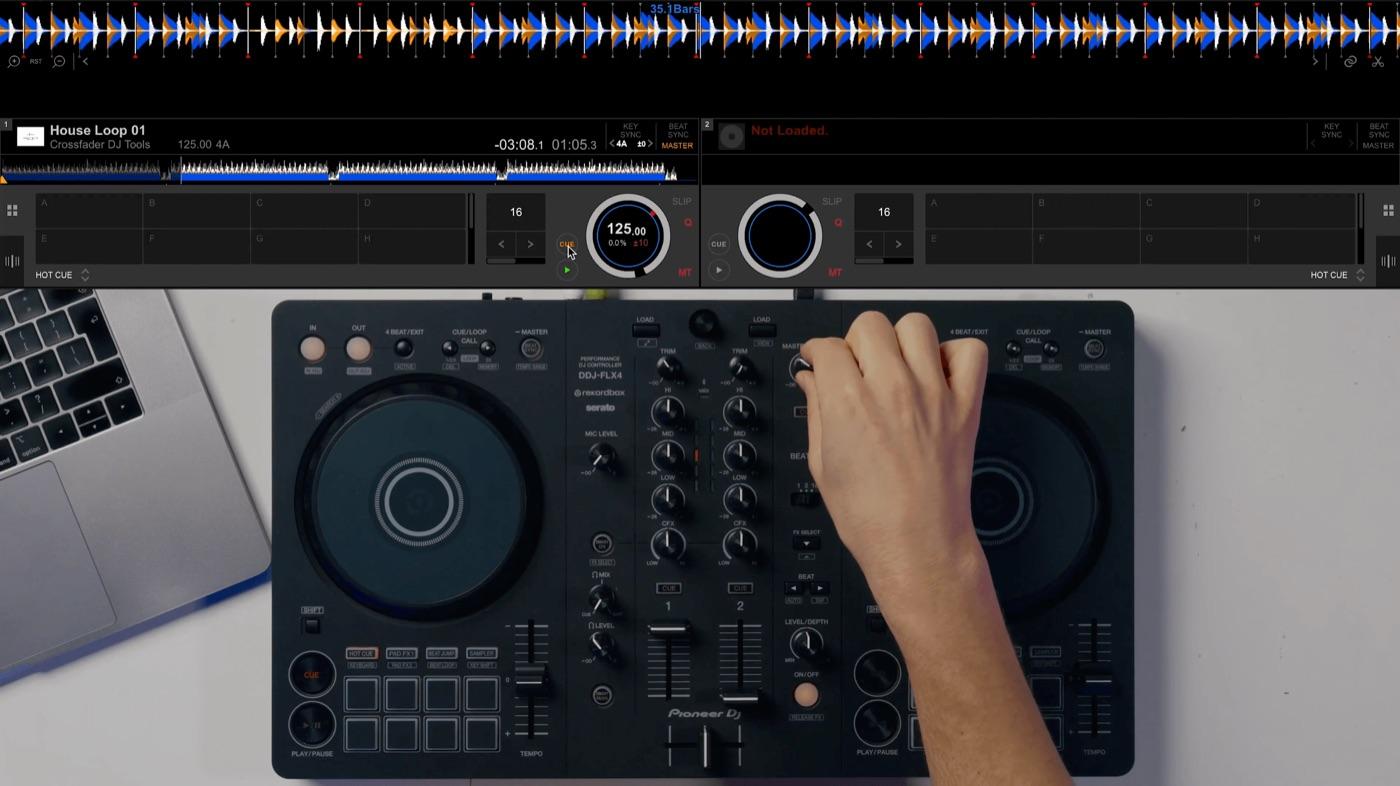
2Your first proper mix
Get two tracks in time, by ear, at the right moment.
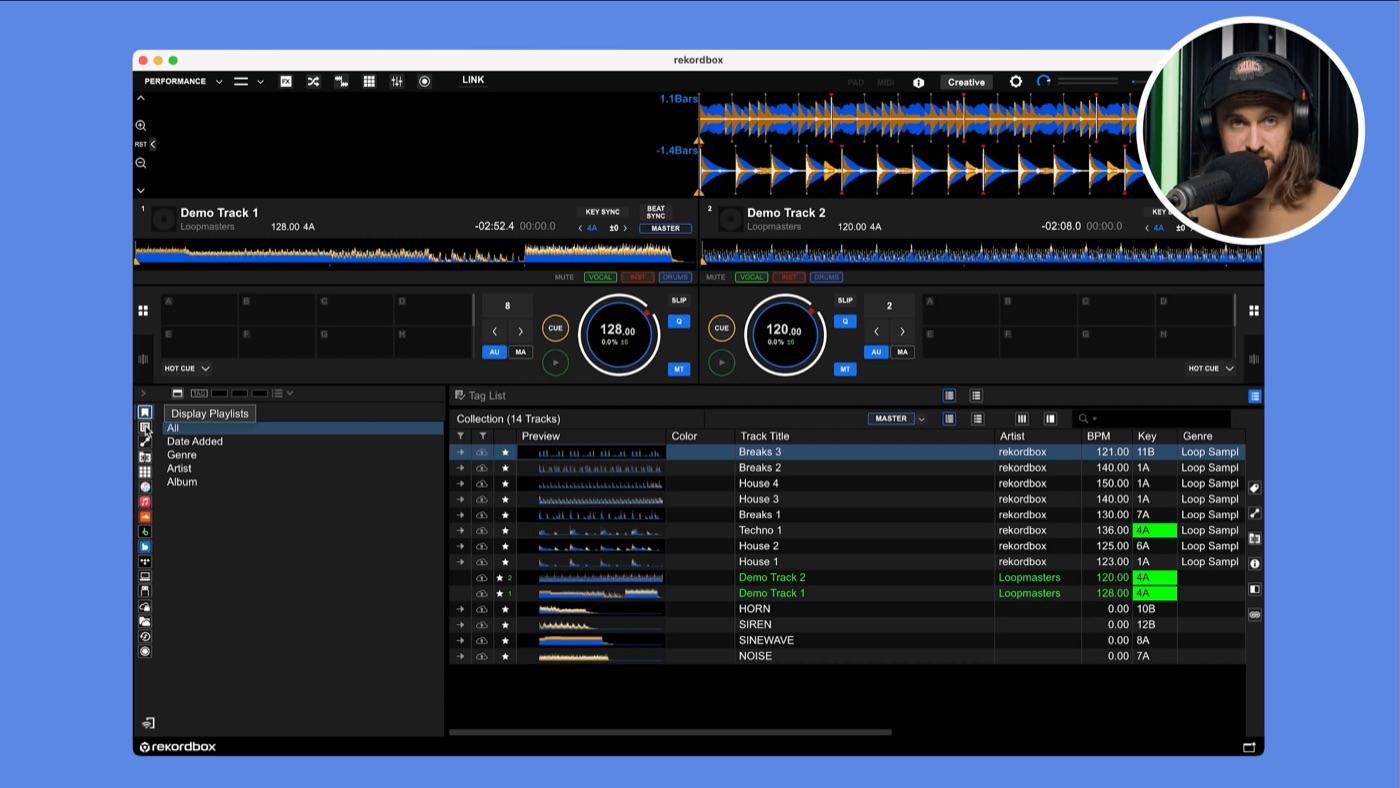 3
3Get creative
Use loops, FX, mixing in key and between genres.
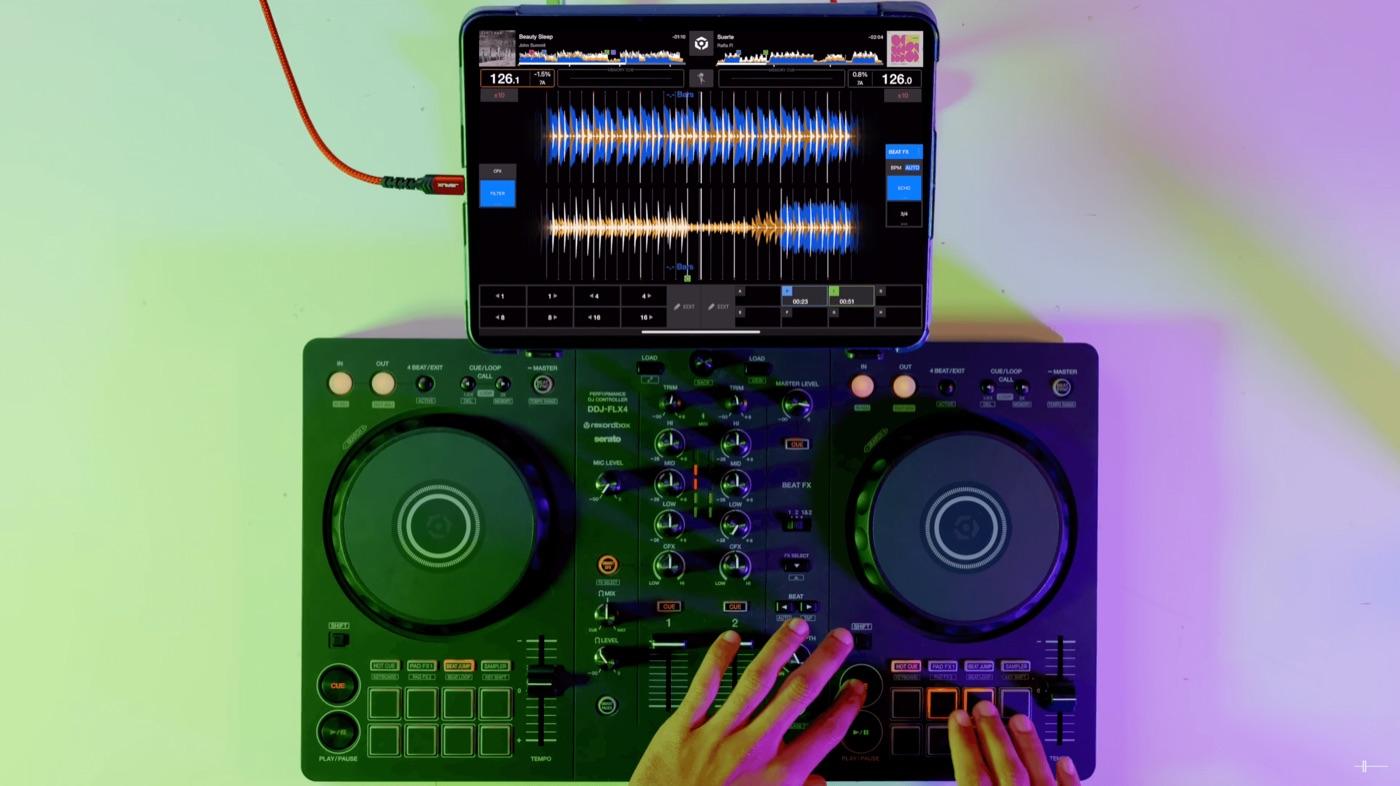 4
4Play a full set
Nail longer sets you'll be happy to record and share.
The bundle covers every step.
DDJ-FLX4 Beginner Course
35+ lessons, 5–15 minutes each, starting right at the very beginning. You get practice tracks from the Crossfader music pack so you can follow along exactly, and real Crossfader tutors are on hand if you get stuck. By the end, you'll have the skills to play a proper full mix.
Get set up properly
Get to know the FLX4 and your software, import your music and set everything up the right way, so you're not fighting your setup later on.
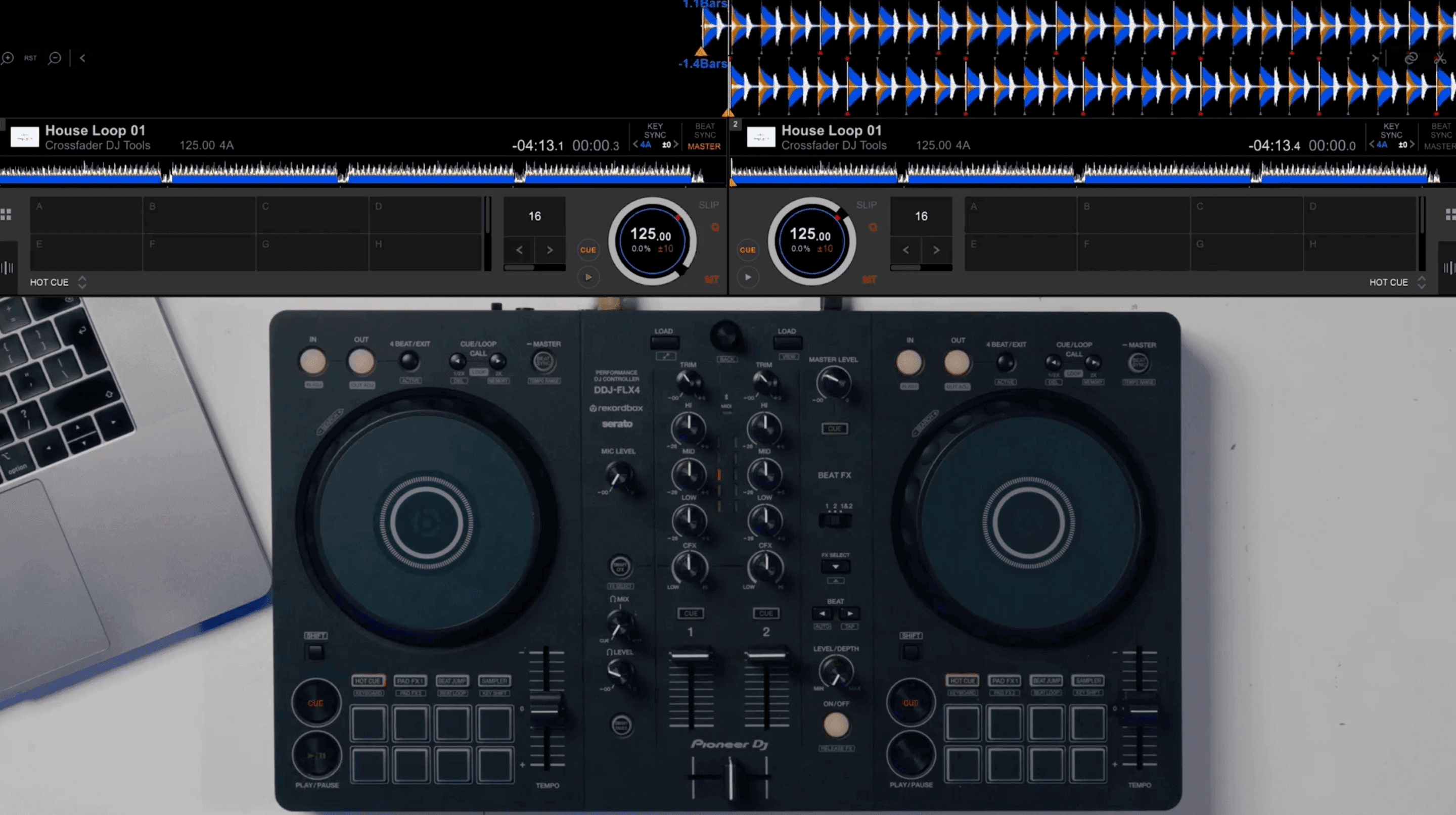
Mix two tracks in time, by ear
Learn when to bring a track in and take one out, how to keep the tempos matched, and how to use the jog wheels to nudge things back into time when they drift.
Clean, pro-sounding blends
Use the EQs and the filter to swap basslines and stop tracks clashing, so your transitions sound smooth.
What's in the Beginner Course
Here are the highlights:
DDJ-FLX4 Pro Course
45+ short lessons, 5–15 minutes each, with practice tracks from the Crossfader music pack. It's for when the basics feel comfortable and you want your mixes to start sounding like you. By the end, you'll be playing longer, more creative sets with loops, FX and live remixes.
Go beyond the basics
Learn the transitions, loops and tricks that take you from simple blends to mixes that actually sound creative.
Mix between genres
Get to grips with the FLX4's effects, like roll, trans, spiral and delay, so you can switch genres without it sounding forced.
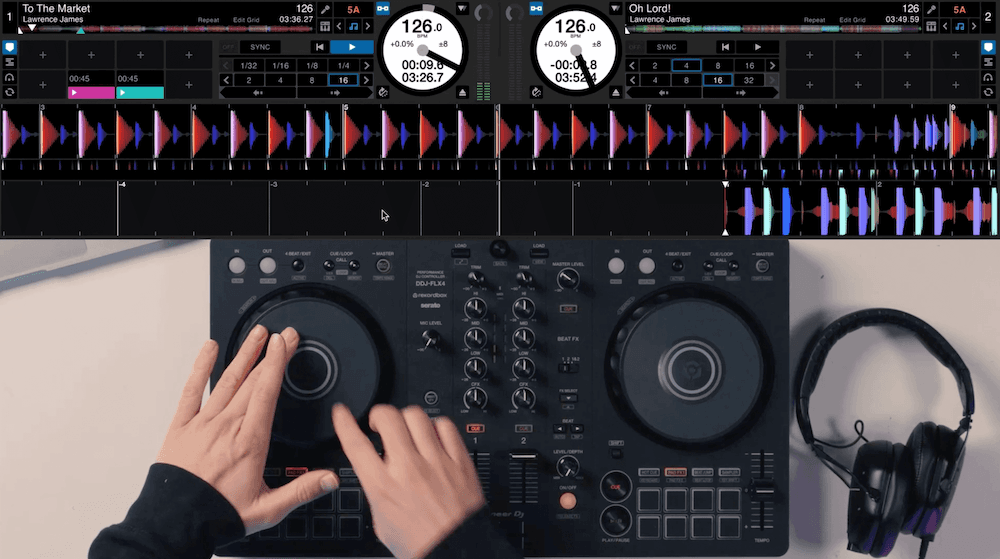
Remix live with stems
Use stems to pull out the vocals, beats or instrumentals from any track, then layer in loops and samples so your mixes sound like nobody else's.
What's in the Pro Course
A few highlights:
What else comes with it
The lessons are the main thing, but you get a fair bit more on top.
Ask a real tutor
Stuck on something? Our tutors are real DJs, and they'll answer your questions.
Free Tidal or Beatport
Up to 2 months free, plus the exact playlists we use in the lessons, so you're mixing the same tracks you're watching.
30 days to change your mind
Give it a proper go. If it's not for you, email us within 30 days and we'll refund you in full. (One-time payments only, fair use applies, see our terms.)
Subtitles on every lesson
If English isn't your first language, every video has subtitles in a wide range of languages.
Learn offline on the app
Download lessons on our iOS and Android app and watch wherever you want.
Discounts on DJ stuff
Money off Beatport, Serato DJ, Pirate Studios, Lexicon, The Mashup and more.
DJs to learn with
Private Discord and Facebook groups where you can share mixes, ask questions and get help from other DJs and the Crossfader team.
Taught by Jamie Hartley, Crossfader co-founder
Our instructor, Jamie Hartley, a seasoned DJ with over a decade of experience, began his career as a full-time DJ at the age of 16. Since 2014, he has grown Crossfader from a small UK-based DJ school where he personally taught aspiring DJs, to the renowned global online DJ school and community it is today. Through years of one-on-one instruction in a studio, Jamie has developed a foolproof and systematic approach to teaching DJ skills and techniques. Unlike other DJ schools, Jamie focuses on teaching the creative skills that make you stand out.
Supported by





.png&w=384&q=75)
-Logo.wine.png&w=384&q=75)

Real world results
Hear it from DJs who've done it
Pick your course
One-time payment. Lifetime access. 30-day money-back guarantee on every option.
Want every Crossfader course?
The Complete DJ Package unlocks our full course library, with new releases included.
Questions we get asked a lot
Are the courses filmed on the DDJ-FLX4?
Does it work with rekordbox or Serato?
Do I need a laptop, or can I use my phone or tablet?
I'm a complete beginner. Is this right for me?
How long do I get access? Is it a subscription?
Do I need to buy music to learn?
What if it's not for me?
Will the skills work on other gear later?
Not sure yet? Watch a free lesson
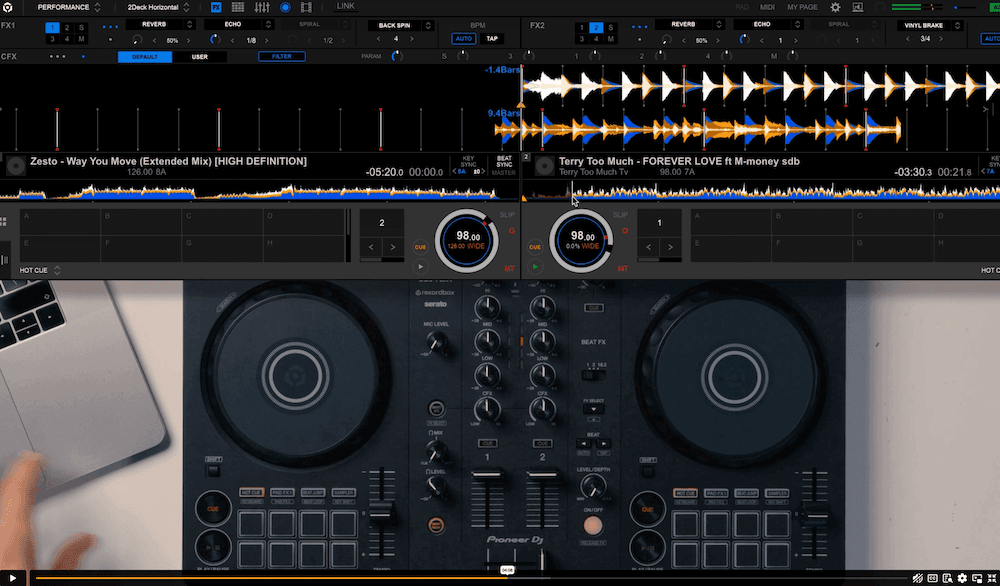
Here's a lesson from inside the FLX4 Beginner course, so you can see how we teach before you buy.
Join the Crossfader family
Get free lessons, tips from our DJs and first dibs on new courses, straight to your inbox.