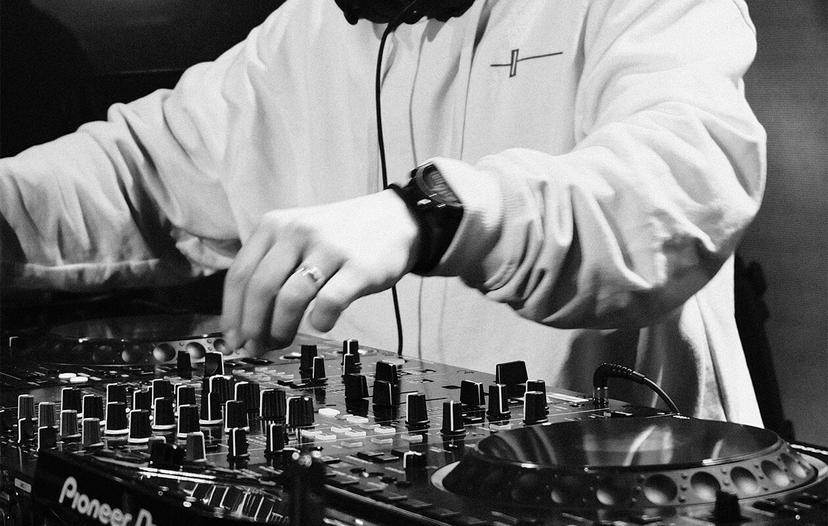
The DJ To Producer Course
Powered by Crossfader & Toolroom Academy
50k+ happy students
Supported by





.png&w=384&q=75)
-Logo.wine.png&w=384&q=75)

Watch This
Built For DJs
Learn to make music using your DJ mindset – starting with edits, remixes, and mashups before moving into full originals.
Step-by-Step Structure
No guesswork. Each module builds on the last with clear tutorials, real-world examples, and assignments to apply what you’ve learned.
Make Tracks For Your Sets
Create music you can actually use in your DJ sets – not generic loops. You’ll finish tracks that sound great in the club.
What’s Inside The DJ To Producer Course?
This course has over 25 lessons & assignments, including the highlights…
DJ To Producer.
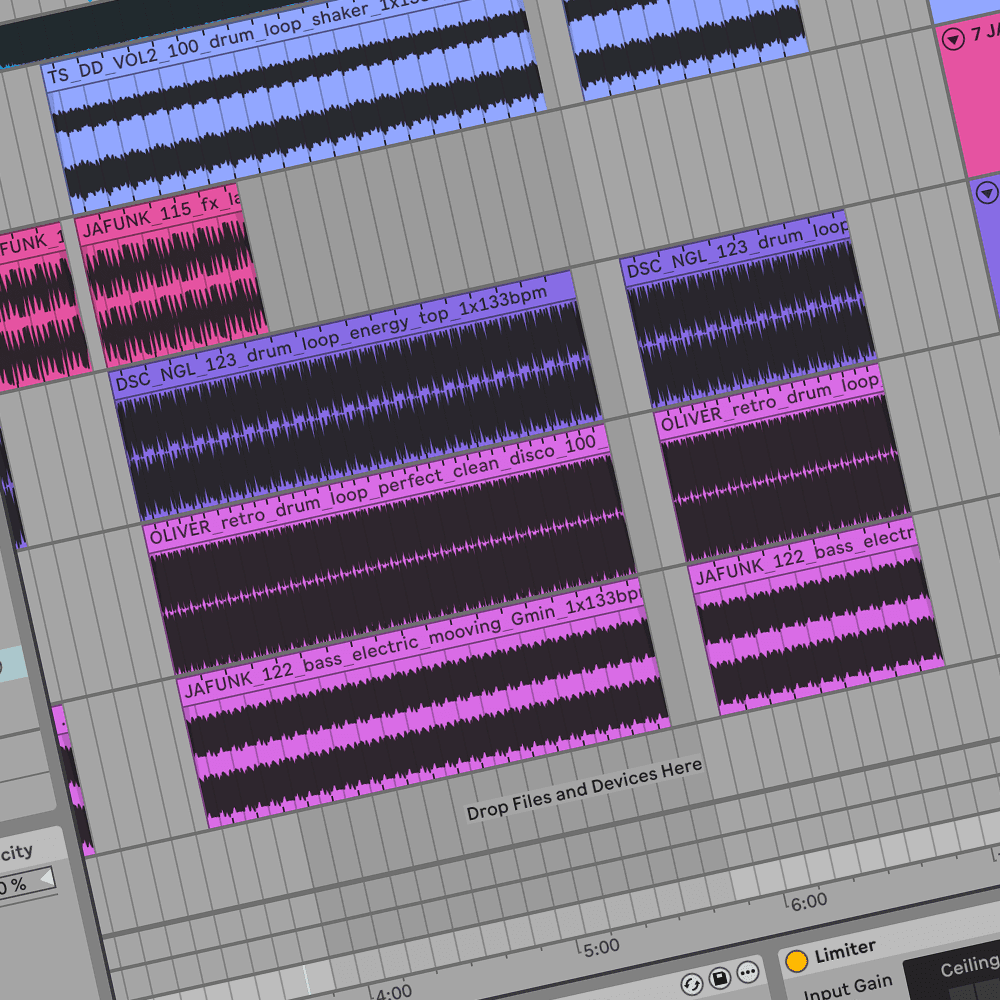
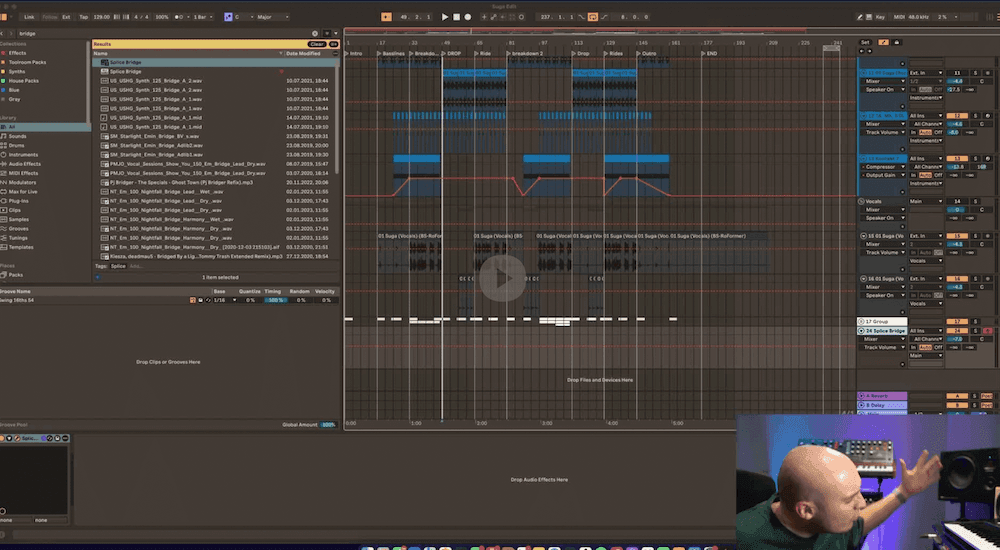
- Getting to know Ableton Live
- Warping audio
- Creating your first DJ edit
- Exporting your edit
Join Now
Join the thousands of other music producers on their journey from DJ to artist.
Why Crossfader?
Discover what makes this training different.
50% off Ableton Live
Ableton live is FREE for 30-days when you start the course. After the 30-days, take advantage of our 50% off student discount. *New Ableton Live customers only*
100% money back
Try any course for 30 days. If it’s not for you, email us within 30 days of purchase for a full refund. Applies to one-time payment only. Fair use applies, see our terms.
Subtitles
If english isn’t your first language, we have non-english speaking subtitles on every single video.
Learn anywhere, anytime
Learn on the go 24/7 with our IOS app. You can watch lessons offline, plus you get lifetime access to your course
Exclusive discounts
Enjoy discounts from leading brands in the DJ industry. Including Beatport, Serato DJ, BPM Supreme, Pirate, Lexicon, The Mashup & loads more
Community channels
Get direct access to private Discord and Facebook groups where you can connect with other DJs, share progress, ask questions, and get support from the Crossfader team.
Frequently asked questions
Everything you wanted to ask.
Do I need to pay for Ableton Live to take this course?
After the free trial, we recommend the Intro or Standard version of Ableton Live. All lessons are taught in Ableton. Students can get up to 50% off with Ableton’s education discount. Details of how to access the discount can be found in the course.
Can I use Logic Pro, FL Studio, or another DAW instead?
Does this work on a PC?
Can I take this course on an iPad or tablet?
What skill level is this course?
Will I get feedback on my tracks?
What genres are covered?
How long does the course take to complete?
What equipment do I need to take the course?
A MIDI controller, speakers and audio interface are optional, not required.
Is there a refund policy?
Join our Crossfader family!
If you want to join, watch some free lessons from our courses as well as hear about the latest products then just click the box below and enter your details.