
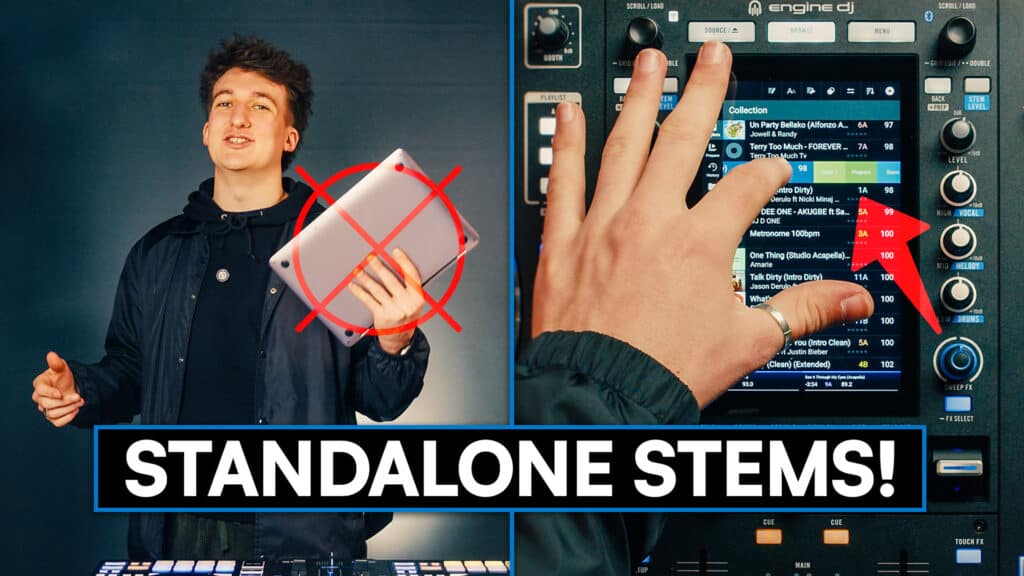
Standalone DJ systems have been getting more and more powerful over the years to the point where loads of DJs are now leaving the laptop at home. But one thing has always been missing: on-board stem separation. Until now, with the release of Engine DJ 5.0.
That’s the big headline news that’s got everyone talking, but there’s actually much more to this update than just that, and there are plenty of exciting changes for all Engine users.
Let’s unpack what you need to know.
On-Board Stems: How It Works
Before, Engine gave us the ability to pre-render stems on the software and load these special track folders onto the standalones. This new system works a lot like how stems work on any laptop-based DJ software. You simply find a track in your library, swipe left, and hit the stems button.
The process happens entirely in the background, so it doesn’t lock you out of the unit. You can continue to DJ, cue tracks, or even render an entire playlist while the software works.
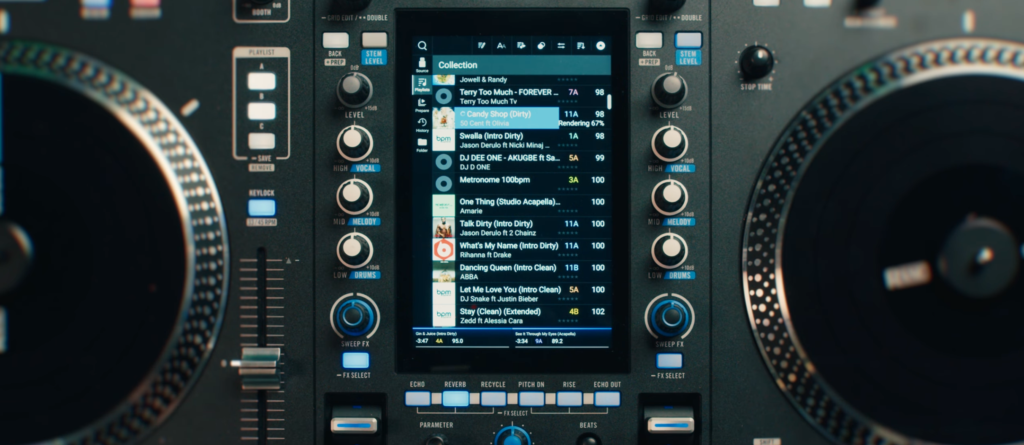
The big drawback is that this is currently exclusive to the Rane System One. Whether or not we’ll see this trickle down into their more affordable gear, we don’t know (although we’d hope so), but it may be an issue of the onboard computing capabilities being a bottleneck.
Key Details:
- Speed: This is another big limitation. Unlike some laptop software, rendering stems on the System One takes around 3-4 minutes (depending on track length). This means you can’t do it instantly and still have to plan ahead a bit.
- Storage: Once rendered, the data is saved to your USB or SD card, so you only have to do it once.
- Performance: Once these stems are rendered, you can use them in all the same ways as pre-rendered stems, including the EQ stems controls and performance pads.
Despite the clear drawbacks at this moment (it’s only for one device, and pretty slow), it is still a huge step in the right direction and should remove some of the laborious prep Engine DJs had to do before their sets. It also allows you to be a bit more spontaneous and decide to do fun mashups or remixes mid-set.
Other Engine Ecosystem Updates
While the System One gets the headlines for stems, Engine DJ 5.0 brings several long-awaited improvements to the rest of the hardware range, including Denon DJ and Numark devices.
RGB Waveforms
Finally, we’ve got proper full-colour RGB waveforms, which brings it in line with most other DJ software. This will be super useful for a lot of DJs as the RGB system is typically clearer for distinguishing between different sections of the track and seeing what’s going on at a glance. You can toggle this in the settings menu if you prefer it over the traditional blue-and-green “Triband” view.
Track Star Ratings
One of the most useful additions is the ability to rate tracks using a star system directly on the hardware. That’s great, for example, if you’re playing a bunch of tracks for the first time and want to see how they land. You can give them an energy rating, or however you organise your library, right there and then, without having to go back to the laptop later.
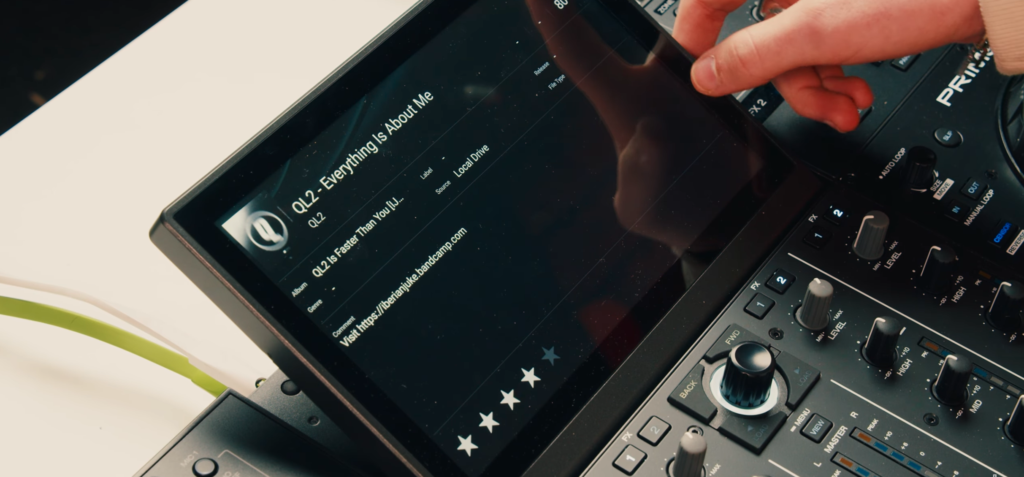
The source menu has been completely overhauled to make switching between drives, streaming services, and internal storage much faster. Generally, the UI and menus all just feel a bit quicker and more responsive when you’re using the screen.
New Reverb Options
The Reverb Rise and Reverb Drop effects now work over 32 beats, instead of the previous 16, which means you can use them over a full 8-bar phrase, which will be fantastic for those long mixes.
Engine Lighting
The lighting systems also received some tweaks, meaning the lights now respond to crossfader movements and are optimised for four-deck mixing. There have also been some general stability and technical fixes, so it should all now be more reliable.
Import Assistant
If you’re moving over to Engine DJ from Rekordbox or Serato (maybe this update finally convinced you), then there’s a new built-in assistant to make that much smoother. It will help import your existing library and keep all your cues and track info.
Learn to DJ on Engine
If this new update has you excited to get mixing, you’re going to want to know how to really get the most out of these features. At Crossfader, we’ve got loads of courses covering all sorts of mixing techniques across a wide range of genres and gear, including dedicated courses to Denon DJ.
You can get started for free, and you can unlock a personalised learning journey to help you meet your DJ goals and get mixing straight away with two free courses.